Zoom H1 Essential Review: Compact Field Recording Simplified
I put the Zoom H1 Essential to the test for solo creators. See if this compact stereo recorder is the right fit for your bag in our full TallyCam review.
 Audio & Recorders
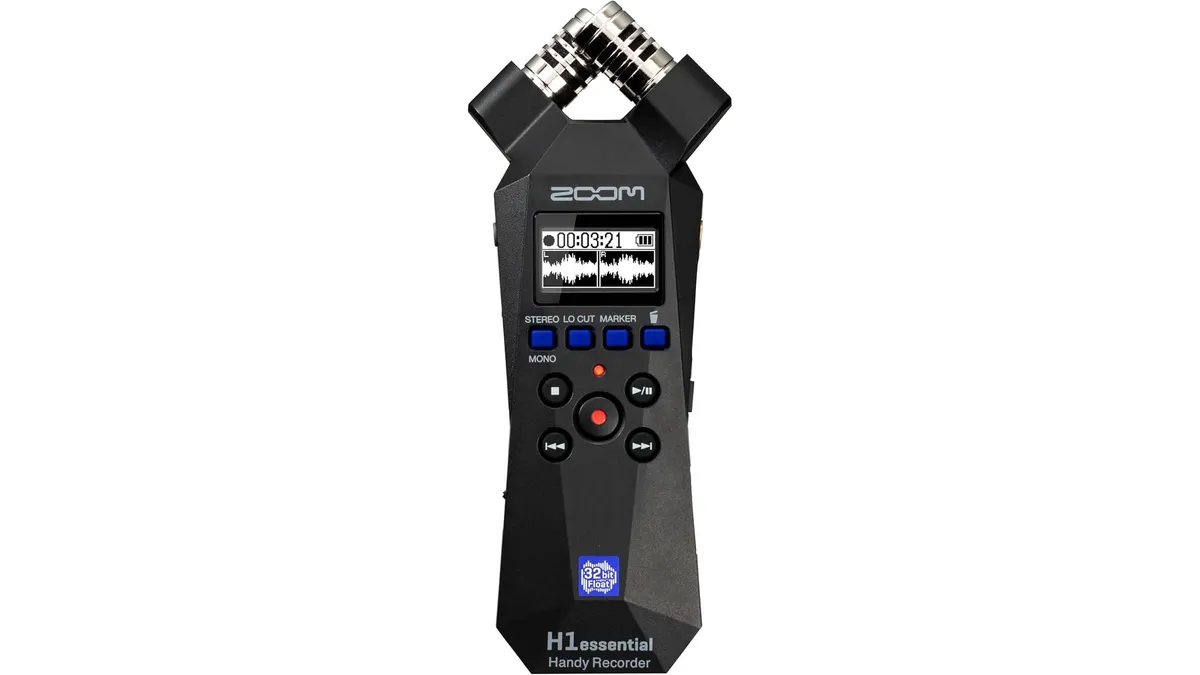
If you are a solo creator looking for a streamlined way to capture high-quality audio without lugging around a full production kit, the Zoom H1 Essential is worth a close look. It sits squarely in the portable tier of our Audio & Recorders lineup, offering a straightforward approach to stereo capture for run-and-gun projects. In this Zoom H1 Essential review, I break down whether it holds up in the field or if you should look for more robust options.
What it does well
The most immediate strength of the Zoom H1 Essential is its portability. It is light enough to clip onto a camera rig or toss into a side pocket, making it ideal for capturing ambient noise or quick voiceovers on the fly. Here are the standout features:
- Stereo Field Capture: The built-in microphones handle ambient sound and live music rehearsals with impressive clarity for the size.
- Versatile USB-C Connectivity: It functions as a plug-and-play USB microphone. During my testing, it worked seamlessly with my desktop for Zoom calls and with my mobile device for streaming, making it a dual-purpose tool.
- Ease of Use: There is very little menu diving. If you need to record a quick interview or a podcast segment, you can be up and running in seconds, which is a massive advantage when working alone.
- Reliable File Handling: The device ensures your recordings are ready to transfer via USB-C without unnecessary proprietary software, which keeps your workflow moving fast.
Key specifications
| Specification | Detail |
|---|---|
| Recording Type | Stereo Audio |
| Connection Port | USB-C |
| USB Functionality | Mic for streaming/videocalls |
| Platform Support | Desktop and mobile devices |
| Primary Uses | Music, podcasts, interviews, content creation |
Where it falls short
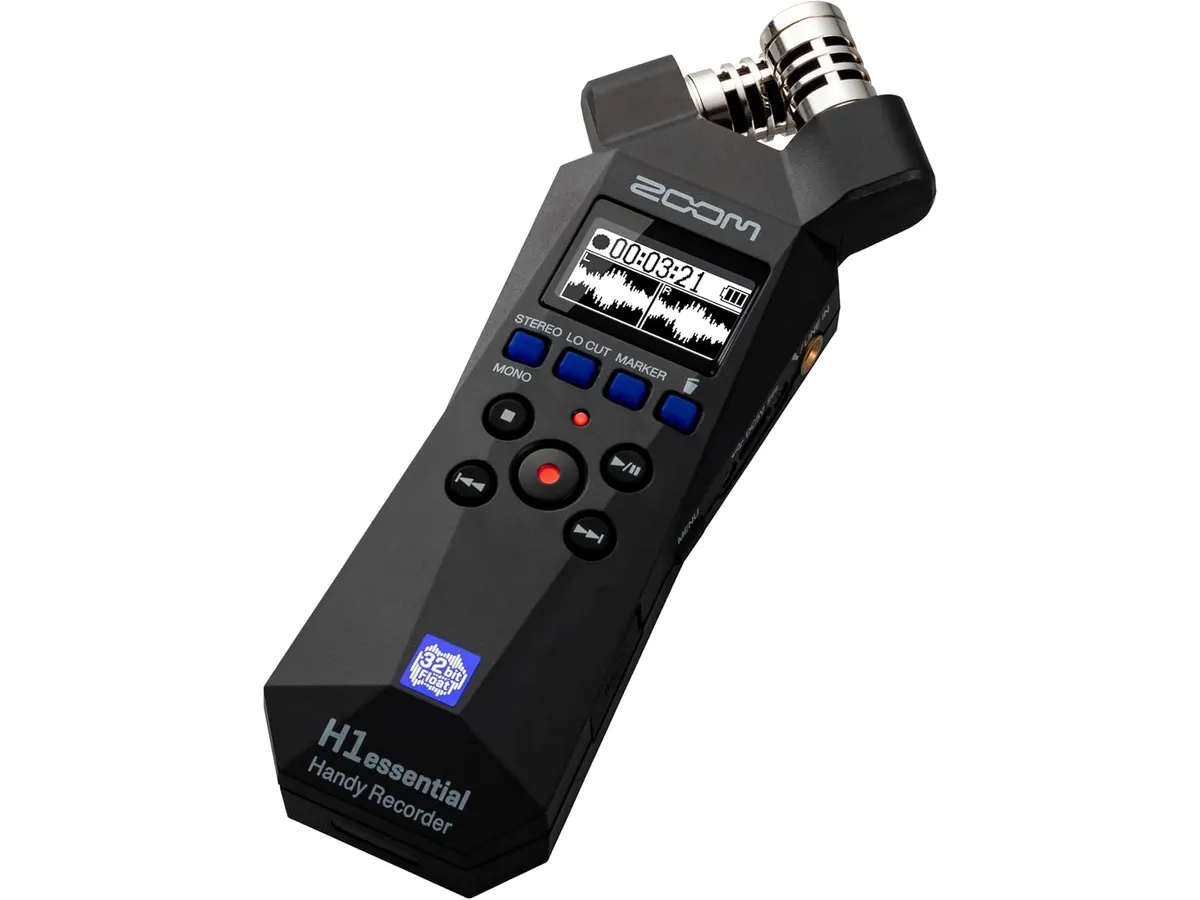
While the convenience factor is high, this recorder is not a replacement for a professional-grade multi-track setup. First, the device relies on its integrated microphone array. If your project requires specific polar patterns—like a tight shotgun pickup to isolate a speaker in a noisy environment—you will find yourself limited by the fixed stereo configuration.
Second, while the USB-C functionality is a great bonus, it does not offer the advanced gain staging or internal processing of dedicated interfaces like the Focusrite Scarlett 2i2 4th Gen Review: Studio Quality Made Simple. If you need to expand your setup with XLR microphones or phantom power, you will quickly outgrow this unit.
Who is it for?
This recorder is perfect for the content creator or YouTuber who needs a “set it and forget it” solution for capturing high-quality audio for reels, social media voiceovers, or simple podcasts. If you are starting out and need a reliable, portable device for capturing interviews or ambient sound, the H1 Essential is a great entry point.
However, this is not for the professional field mixer or filmmaker working on narrative sets. If you need to record complex multi-channel audio or require high-end preamps for professional dialogue capture, you should look at more advanced options like the Zoom H6essential: Versatile Audio Recorder for Creators. Similarly, if your workflow demands professional XLR inputs, the Zoom H1 XLR Review: Compact 32-Bit Float Audio Recording will be a much better fit for your gear bag.
Alternatives to consider
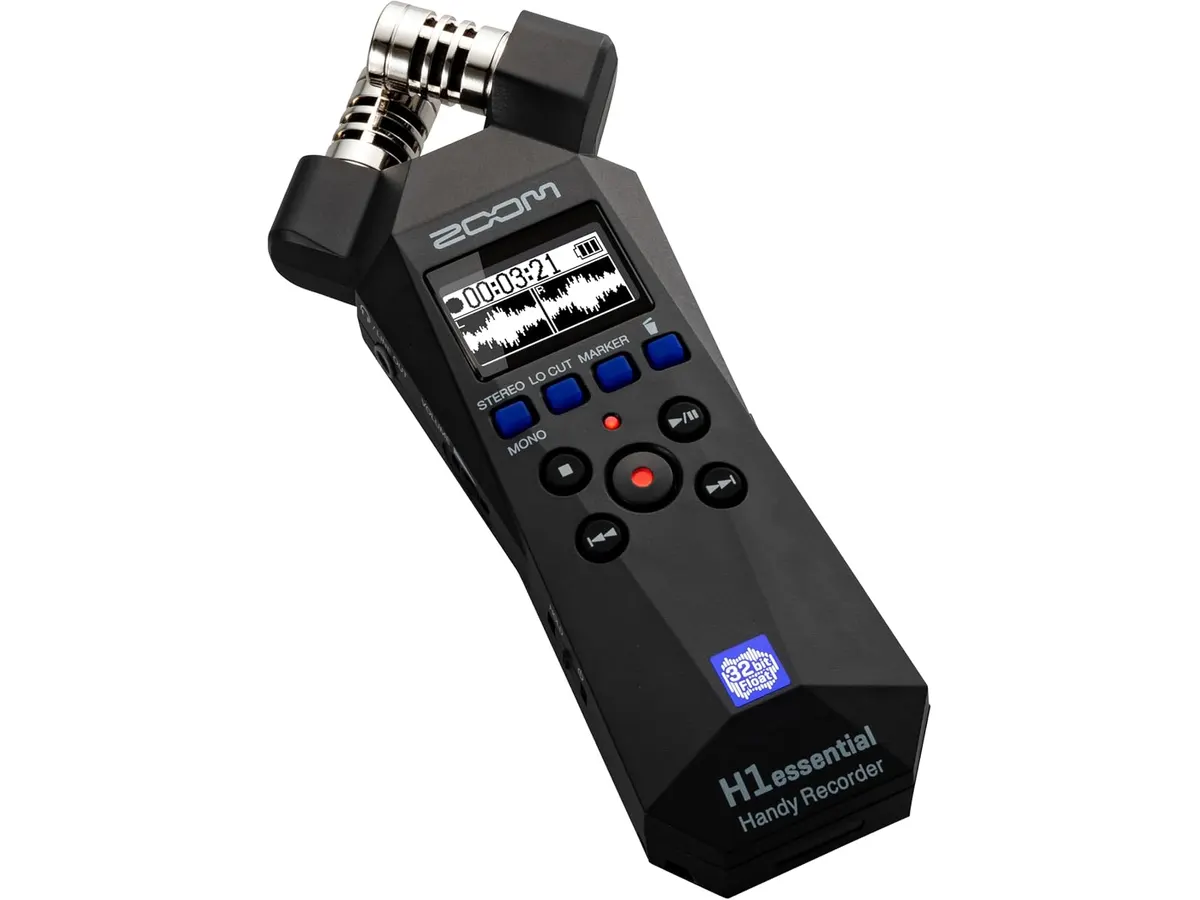
If you want more flexibility, look at mid-tier portable recorders that offer interchangeable microphone capsules. These allow you to switch from stereo to mono or shotgun configurations depending on the set. Conversely, if you are strictly focused on studio-quality podcasting, an entry-level professional USB interface will provide more control over individual gain channels and monitoring levels compared to a handheld device.
Verdict
The Zoom H1 Essential is a specialized tool that excels at being a portable, no-fuss audio capture solution for solo creators. It is not a Swiss Army knife, but it does exactly what it promises without unnecessary complexity. If you prioritize mobility and simplicity over professional-grade input versatility, it is a solid addition to your workflow.
Frequently asked questions
Can I use this for live streaming?
Yes, the unit doubles as a USB-C microphone, allowing you to connect it to your computer or phone for improved audio quality during streaming or videocalls.
Is this suitable for professional interviews?
It works well for simple, quiet environments, but because it lacks professional XLR inputs, you may struggle to isolate voices in loud or unpredictable locations.
Does it support external microphones?
No, the unit is designed around its built-in stereo microphones. If you need to plug in professional microphones, you should look for a model that includes XLR or 1/4-inch input jacks.

Written by
Charly River
Editor & Head of Reviews
I review audiovisual gear by cross-checking official specs, real availability and value for money. No sponsorships: if a link earns a commission, I always say so.
Spotted an error? Email usYou may also like
 Audio & Recorders
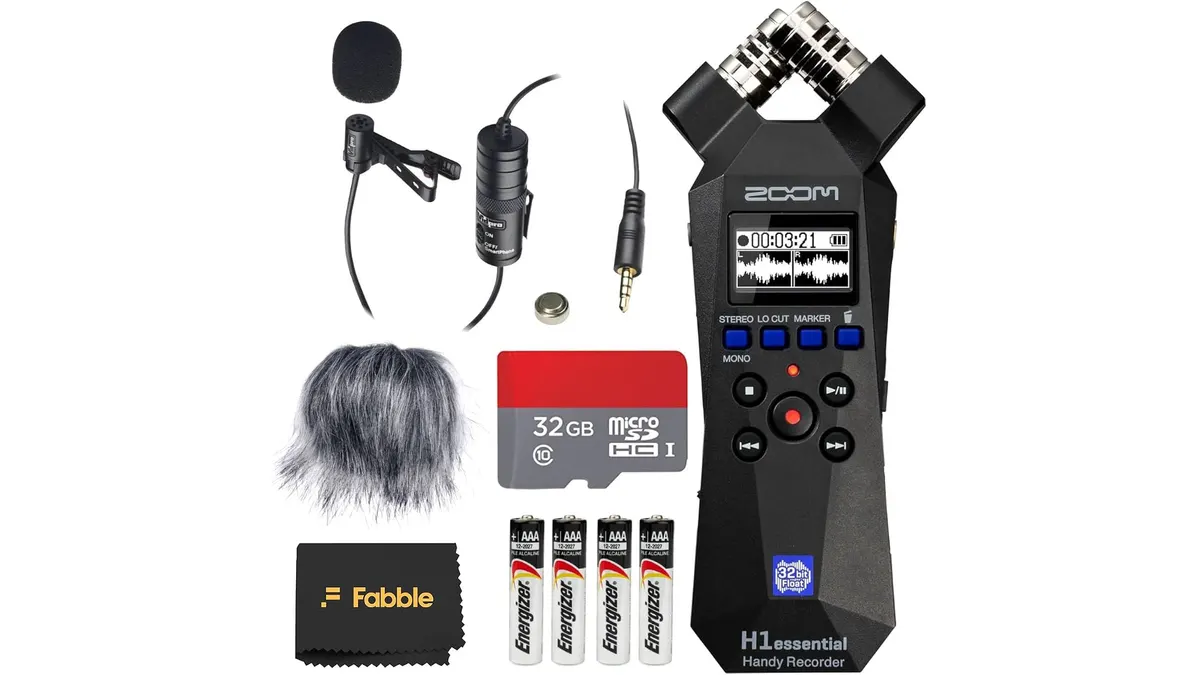
Zoom H1essential Handy Recorder Bundle Review: 32-Bit Float
Our Zoom H1essential Handy Recorder Bundle review tests 32-bit float audio, the lavalier mic, and field setup for videographers and podcasters.
 Audio & Recorders
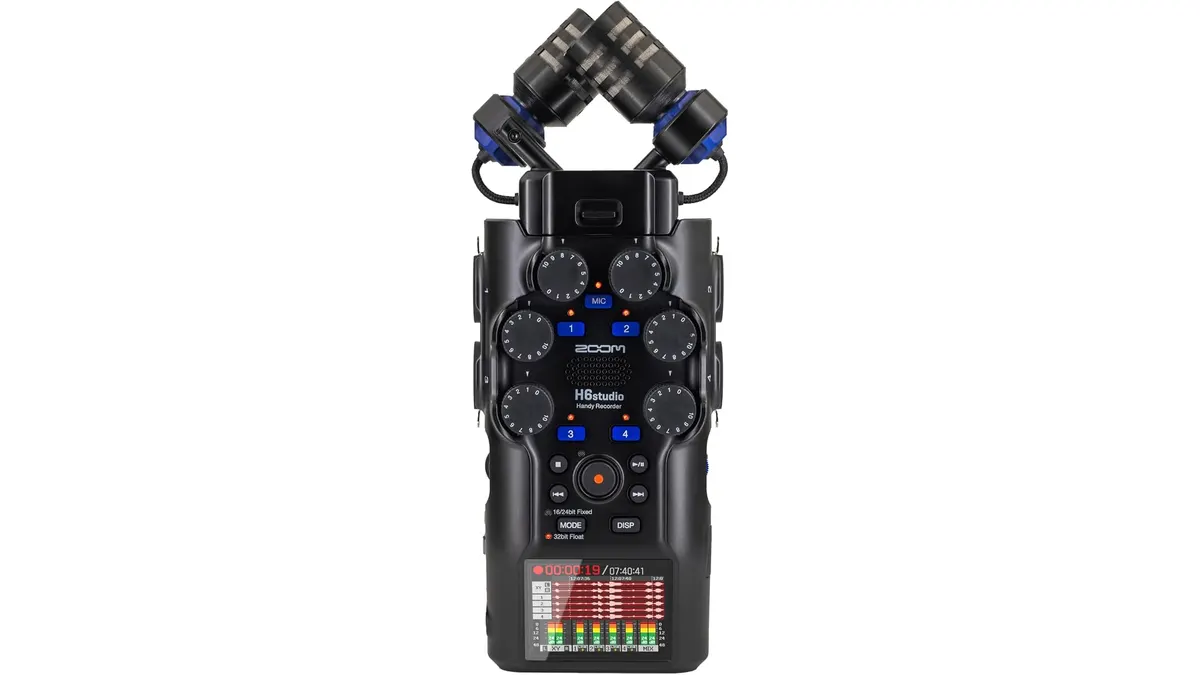
Zoom H6 Studio Review: 32-Bit Float Field Recording
Read our expert Zoom H6 Studio review to see how this 32-bit float recorder handles high SPLs and long shoots. Is it right for your toolkit?
 Audio & Recorders
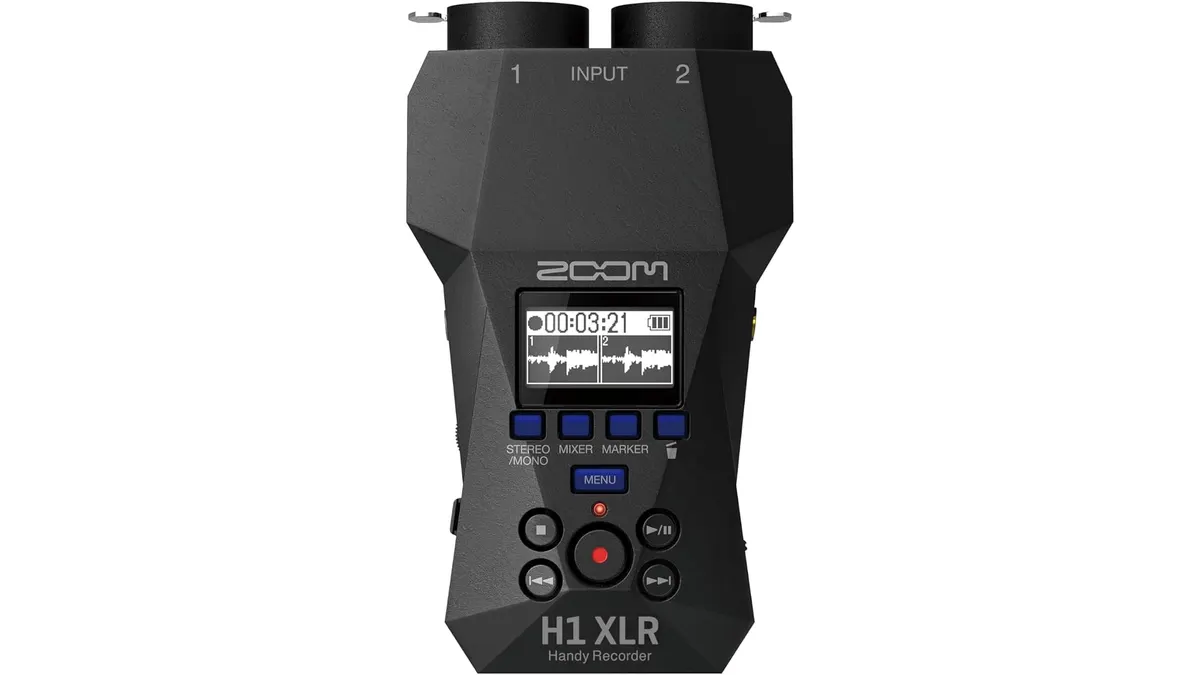
Zoom H1 XLR Review: Compact 32-Bit Float Audio Recording
Read our field-tested Zoom H1 XLR review to see if this 32-bit float, dual-XLR recorder is the ultimate compact audio solution for video setups.