Focusrite Scarlett 2i2 4th Gen Review: Studio Quality Made Simple
I tested the Focusrite Scarlett 2i2 4th Gen to see if its new features justify the hype for creators. Read my honest take on this popular audio interface.
 Audio & Recorders
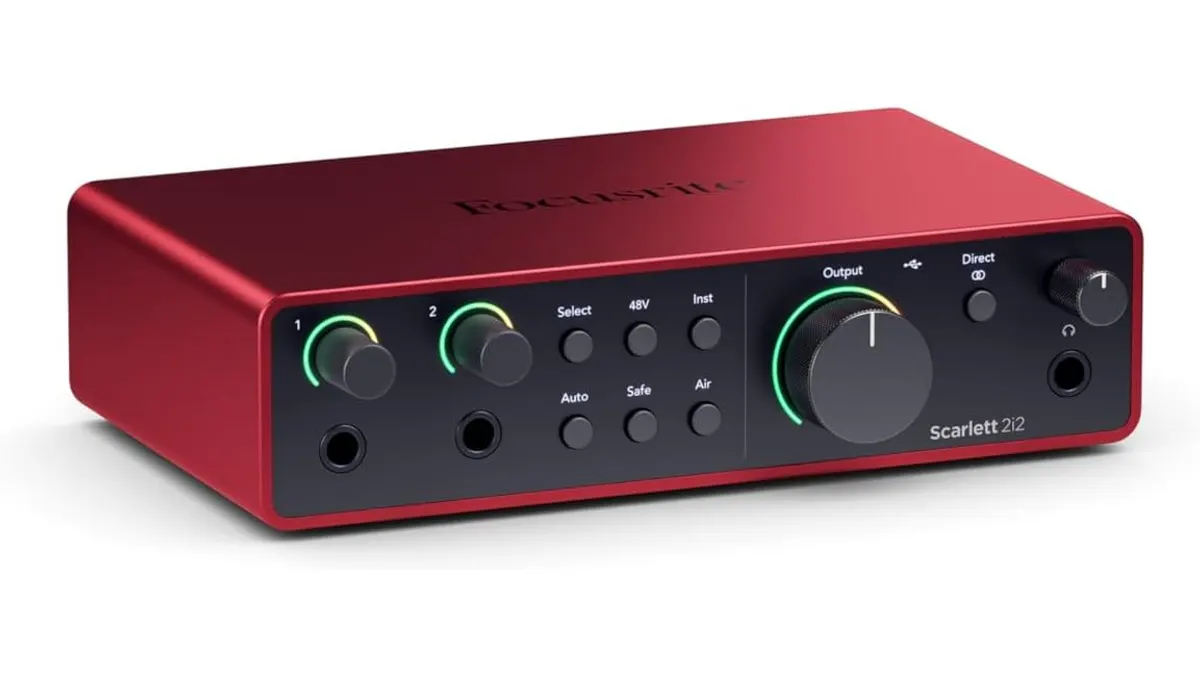
The Focusrite Scarlett 2i2 4th Gen arrives as a refinement of a industry standard, promising to bridge the gap between pro-level conversion and home-studio accessibility. If you have been browsing Audio & Recorders to find a reliable hub for your voice-overs or music production, this interface is likely on your radar. I spent time putting it through its paces in various tracking scenarios to see if the new 4th Gen features are genuine workflow accelerators or just marketing gloss.
What it does well
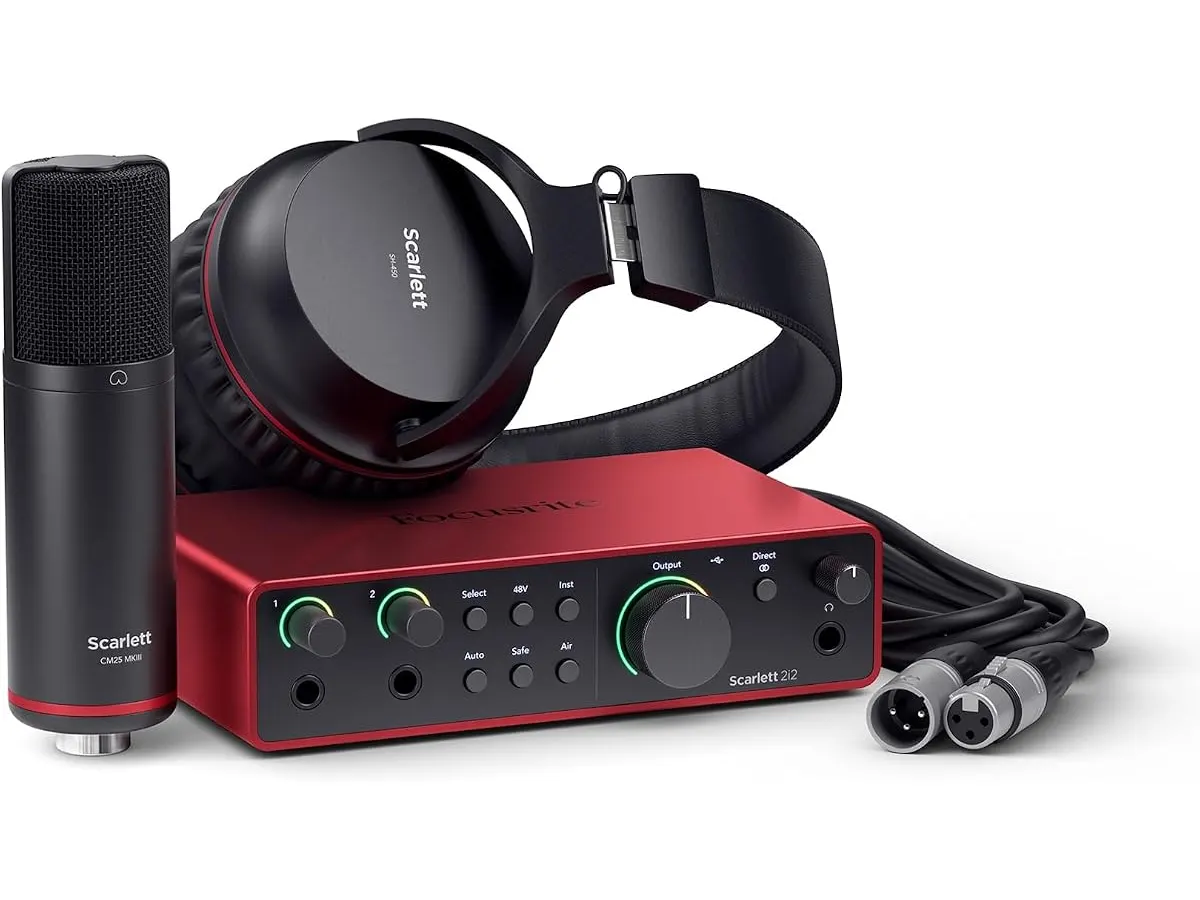
The standout feature here is the integration of Auto Gain and Clip Safe. In a run-and-gun recording situation, having the interface automatically set your levels saves a significant amount of time during sound checks. Clip Safe is equally impressive; it essentially acts as an onboard limiter that prevents digital distortion if your talent suddenly gets loud, which is a massive safety net when you cannot do a second take.
The 120 dB dynamic range provides a noticeably clean noise floor. When paired with high-quality microphones, the preamps deliver a crisp, transparent sound that holds up well in a professional mix. The Air mode also remains a staple of this line, adding a subtle, pleasant top-end lift that brings life to dull vocal tracks without requiring heavy EQ in post-production. It is a solid choice if you need a reliable interface for your Zoom H6essential: Versatile Audio Recorder for Creators-based production rig.
Key specifications
| Specification | Detail |
|---|---|
| Generation | 4th Generation |
| Dynamic Range | 120 dB |
| Connection | USB-C |
| Automated Features | Auto Gain, Clip Safe |
| Sound Modes | Air Mode |
| Software Bundle | Pro Tools Intro, Ableton Live Lite, Cubase LE |
Where it falls short
Despite the improvements, the chassis still feels lightweight to the point of being fragile. If you are a mobile creator doing location sound, you will need a sturdy case because the housing is not designed to take heavy abuse. Additionally, while the included software bundle is generous for beginners, it can feel cluttered. Navigating the registration process to unlock all the bundled plug-ins is often more time-consuming than the actual installation of the drivers.
Who is it for?
The Focusrite Scarlett 2i2 4th Gen is perfect for the solo content creator or bedroom producer who needs a “set it and forget it” solution for voice-overs and instrument tracking. Its ease of use makes it a top recommendation for those moving from entry-level gear to a more serious setup. It is not, however, the right tool for someone running multi-microphone podcast setups or live-streaming complex stage signals; the two-input limit will quickly become a bottleneck for anyone needing to expand their channel count.
Alternatives to consider
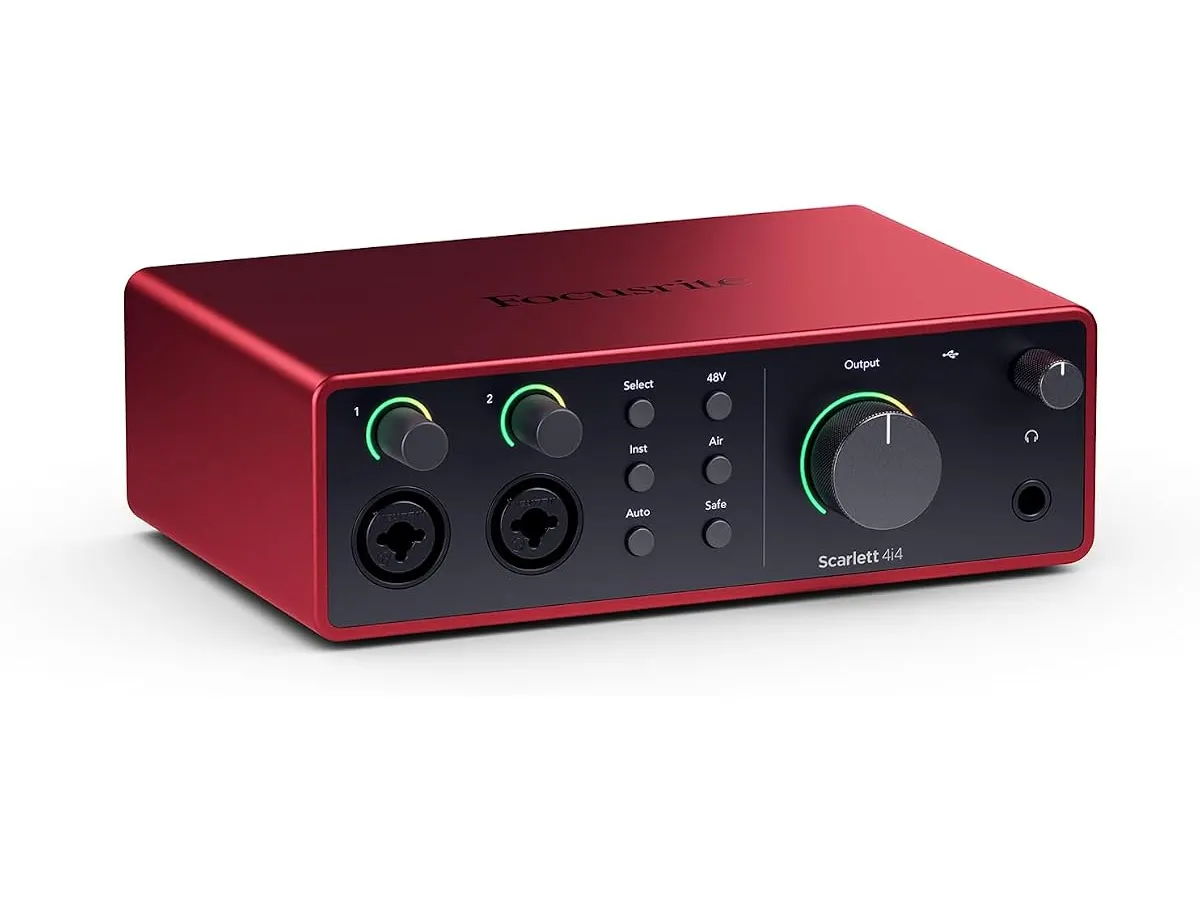
If you are on a tighter budget and only need basic stereo input functionality without the advanced automated features, there are several entry-level interfaces available that prioritize cost over onboard DSP. These options are perfect for simple voice-over work where you do not need the extra headroom or the specific preamp character of the Scarlett line.
Conversely, if you are a professional working in a permanent studio environment who needs higher channel counts and more advanced routing capabilities, you should look toward mid-to-high-tier interfaces. These larger units offer more physical controls, multiple headphone outputs with independent mixes, and expanded I/O options that allow for complex outboard gear integration, which this compact two-channel interface simply cannot match.
Verdict
The Focusrite Scarlett 2i2 4th Gen is a highly capable tool that earns its place in the modern home studio. The automated gain and clip protection features are genuine workflow boosters that solve real problems for solo operators. If you need a reliable, high-fidelity interface, this is a top-tier choice for your Audio & Recorders collection.
Frequently asked questions
Can I use this for mobile recording with a laptop?
Yes, the USB-C connectivity is bus-powered, making it very convenient for field work as long as your laptop can supply the necessary current.
Does the Air mode work on all inputs?
Yes, the Air mode can be toggled on for both inputs, allowing you to add that specific high-frequency character to two microphones or instruments simultaneously.
Is this compatible with professional DAWs?
Absolutely. It includes licenses for major industry-standard software, and it functions as a standard class-compliant interface for virtually all professional recording applications.

Written by
Charly River
Editor & Head of Reviews
I review audiovisual gear by cross-checking official specs, real availability and value for money. No sponsorships: if a link earns a commission, I always say so.
Spotted an error? Email usYou may also like
 Audio & Recorders
Zoom H1 XLR Review: Compact 32-Bit Float Audio Recording
Read our field-tested Zoom H1 XLR review to see if this 32-bit float, dual-XLR recorder is the ultimate compact audio solution for video setups.
 Audio & Recorders
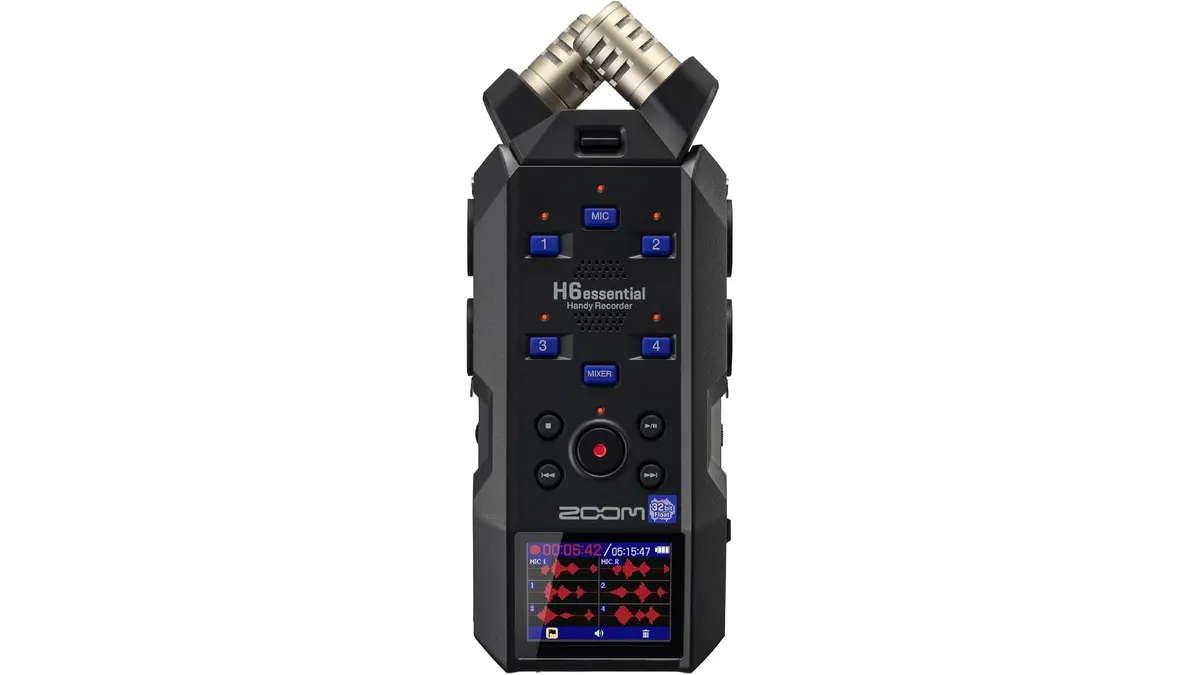
Zoom H6essential: Versatile Audio Recorder for Creators
Discover the Zoom H6essential, a flexible audio recorder for filmmakers and podcasters seeking high-quality sound recording.