Samsung ViewFinity S50GC Review: A 34-Inch Desk Workhorse
Read our Samsung ViewFinity S50GC review. Discover how this 34-inch 21:9 Ultra-WQHD monitor handles video editing timelines and multi-source workflows.
 Monitors
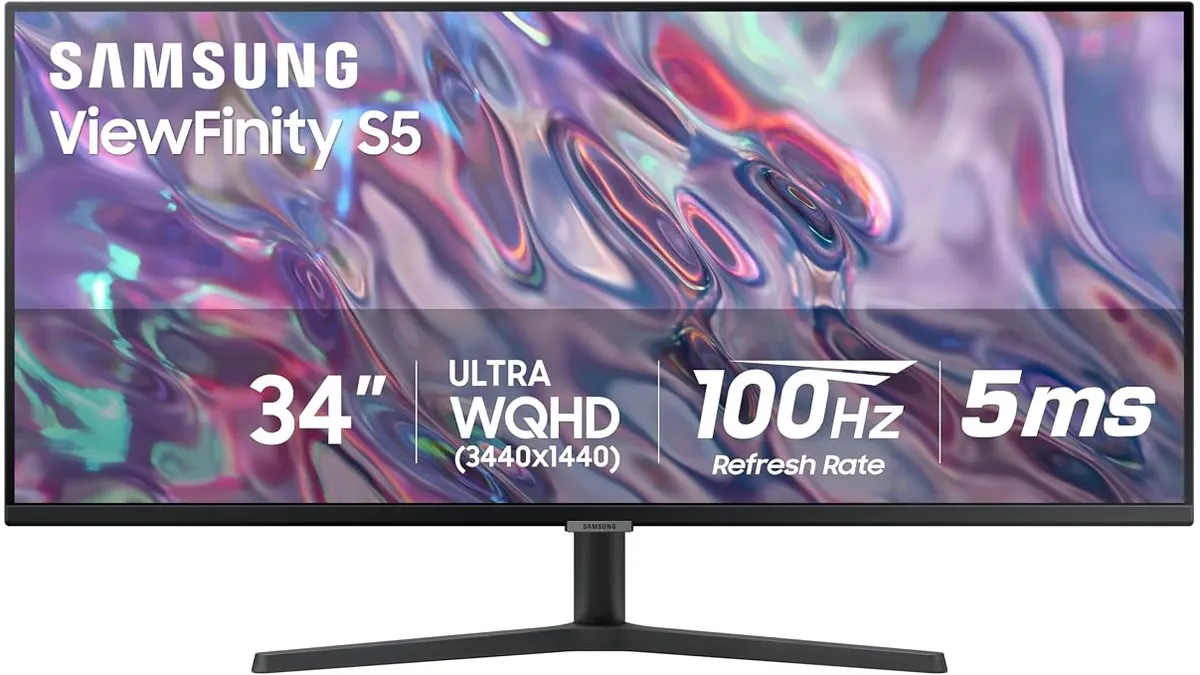
When scrubbing through complex Premiere Pro or DaVinci Resolve timelines, horizontal screen real estate is everything. The Samsung ViewFinity S50GC brings a 34-inch 21:9 canvas to your edit suite, offering a clean setup compared to standard desktop Monitors. After testing it across several post-production projects, it delivers a practical balance of screen real estate and fluid playback, though it comes with specific trade-offs.
What it does well
Expanding your timeline horizontally changes how you cut video. The 34-inch Ultra-WQHD resolution gives you room to stretch out audio tracks, video layers, and scopes side by side without constantly hiding UI panels. Working in 21:9 aspect ratio means you can keep your primary preview window large while still monitoring color wheels and effect controls simultaneously.
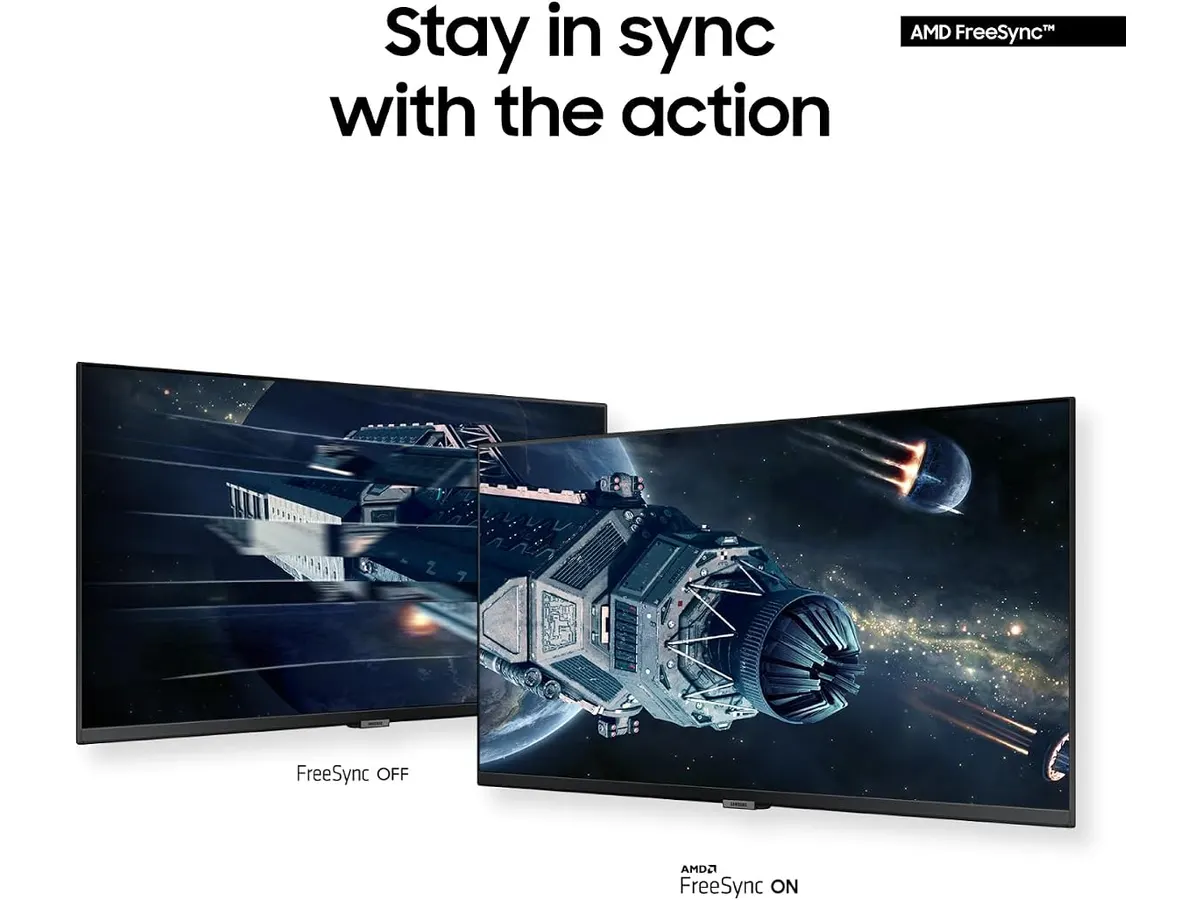
Multi-source productivity is another major strength. With built-in Picture-by-Picture (PBP) and Picture-in-Picture (PIP) functions, we were able to plug in two separate workstations at once. You can ingest footage from a dedicated ingest machine via HDMI 2.2 while continuing your main edit via DisplayPort 1.2, split evenly across the single wide screen.
Visual motion and contrast perform solidly during daily operations. The 100Hz refresh rate keeps UI navigation, cursor movement, and timeline scrubbing remarkably fluid compared to standard 60Hz panels. Combined with a 3000:1 static contrast ratio and HDR10 support displaying over one billion colors, dark scenes in video playback maintain deep black levels without looking completely washed out.
Finally, for editors spending 10 to 12 hours in a dark edit bay, the eye care suite is a welcome touch. The ambient light sensor adjusts brightness based on room lighting, while the Eye Saver mode cuts blue light emission during late-night finishing sessions.
Key specifications
| Feature | Specification |
|---|---|
| Screen Size | 34 inches |
| Aspect Ratio | 21:9 |
| Resolution | Ultra-WQHD |
| Refresh Rate | 100Hz |
| Static Contrast Ratio | 3000:1 |
| Response Time | 5ms |
| Connectivity | 2 x HDMI 2.2, 1 x DisplayPort 1.2 |
| High Dynamic Range | HDR10 (1B+ colors) |

Where it falls short
While the screen area is expansive, the 5ms response time isn’t optimized for high-speed motion testing or competitive gaming. When reviewing fast action sequences or high-framerate sports footage, you may notice subtle ghosting that wouldn’t appear on faster panels.
Connectivity, while adequate, lacks modern power delivery options. Having two HDMI 2.2 ports and one DisplayPort 1.2 port covers basic computer hookups, but there is no USB-C hub or power passthrough. Laptop users will still need to run a dedicated power brick and a separate display adapter cable to feed the screen.
Viewing angles require careful positioning. The 3000:1 static contrast ratio yields rich contrast directly dead-center, but if a client sits far off to the side of your desk, they will experience moderate color shift and contrast degradation inherent to flat high-contrast panels.
Who is it for?
This monitor is ideal for video editors, podcasters, sound designers, and content creators who need massive horizontal canvas space for multi-track editing software. If you routinely run out of timeline space or monitor two input sources at once using PBP, this screen solves that headache cleanly.
It is NOT for run-and-gun camera operators looking for an on-camera display or field monitoring unit. If you need portable field recording, lightweight battery operation, and camera monitoring, read our Atomos Ninja 5.2 Monitor-Recorder review instead. Likewise, if your desk space is tight and you prefer a compact curved screen, consider checking out the Samsung Essential S3 27 Curved Monitor review.
Alternatives to consider
If you step up to a higher price tier, alternatives in the premium editing display market offer hardware color calibration sensors, built-in Thunderbolt docking with laptop power delivery, and factory-certified color accuracy guarantees. Those models suit high-end color grading suites where client sign-off relies on calibrated accuracy.
In a lower price tier, standard 16:9 1080p or 2K displays provide basic video playback at a fraction of the desktop footprint. However, you give up the seamless 21:9 timeline extension and the ability to view two computer sources side-by-side on a single panel.
Verdict
Our Samsung ViewFinity S50GC review confirms that this 34-inch ultrawide display is an excellent workhorse for editors seeking expansive timeline space. While its 5ms response time and lack of USB-C docking keep it from perfection, its 100Hz refresh rate, 3000:1 contrast, and PBP/PIP split-screen modes deliver real practical value. If you want to declutter your desk and streamline your post-production setup, among broader Samsung Monitors, this display provides a huge productivity boost.
Frequently asked questions
Does the Samsung ViewFinity S50GC support dual-source inputs simultaneously?
Yes. It features Picture-by-Picture (PBP) and Picture-in-Picture (PIP) modes, allowing you to display signals from two connected computers at the same time using its HDMI and DisplayPort inputs.
Is a 100Hz refresh rate useful for video editing?
Yes. While most video playback is 24, 30, or 60 fps, a 100Hz desktop refresh rate makes timeline scrubbing, moving software windows, and navigating complex user interfaces noticeably smoother, reducing eye fatigue during long edit sessions.
What display connections are available on this monitor?
The monitor includes two HDMI 2.2 ports and one DisplayPort 1.2 connection, enabling you to hook up multiple computers or media players simultaneously.

Written by
Charly River
Editor & Head of Reviews
I review audiovisual gear by cross-checking official specs, real availability and value for money. No sponsorships: if a link earns a commission, I always say so.
Spotted an error? Email usYou may also like
 Monitors
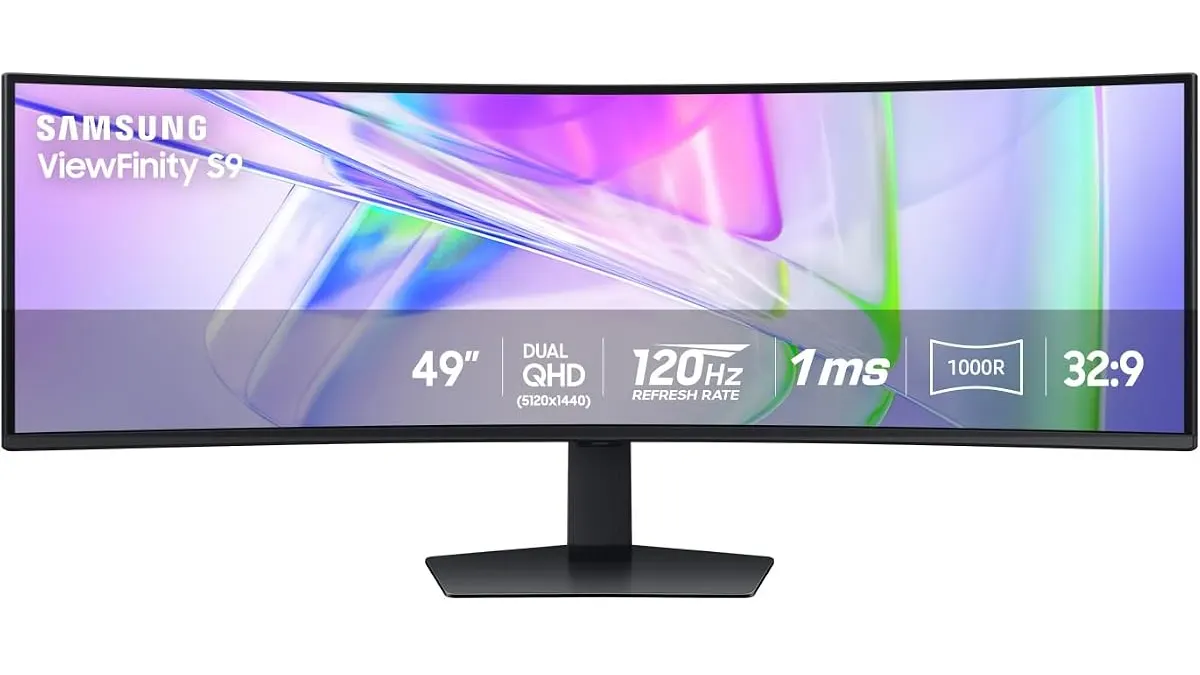
Samsung LS49C954UANXZA Review: Is This 49-inch Ultrawide Worth It?
We put the Samsung LS49C954UANXZA to the test. Discover if this massive 120Hz ultrawide monitor is the productivity powerhouse your edit suite needs.
 Monitors
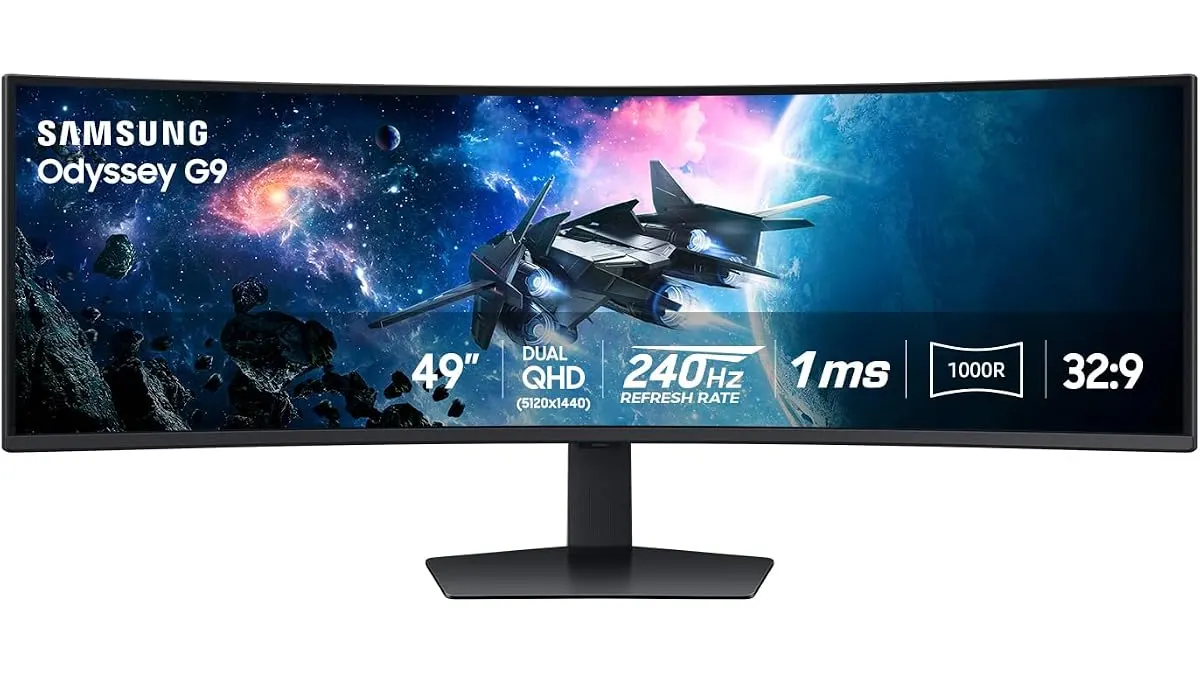
Samsung Odyssey G9 LS49CG954ENXZA Review: A Massive Ultrawide Test
We put the Samsung Odyssey G9 LS49CG954ENXZA to the test. Is this 49-inch curved beast right for your edit bay? Read our expert review to find out.
 Monitors
Samsung S3 S39GD Series Review: A Large Curved Desktop Display
Looking for a big, immersive screen for your edit suite? We put the 32-inch Samsung S3 S39GD Series through its paces to see if it fits your production needs.