Samsung Odyssey G9 LS49CG954ENXZA Review: A Massive Ultrawide Test
We put the Samsung Odyssey G9 LS49CG954ENXZA to the test. Is this 49-inch curved beast right for your edit bay? Read our expert review to find out.
 Monitors
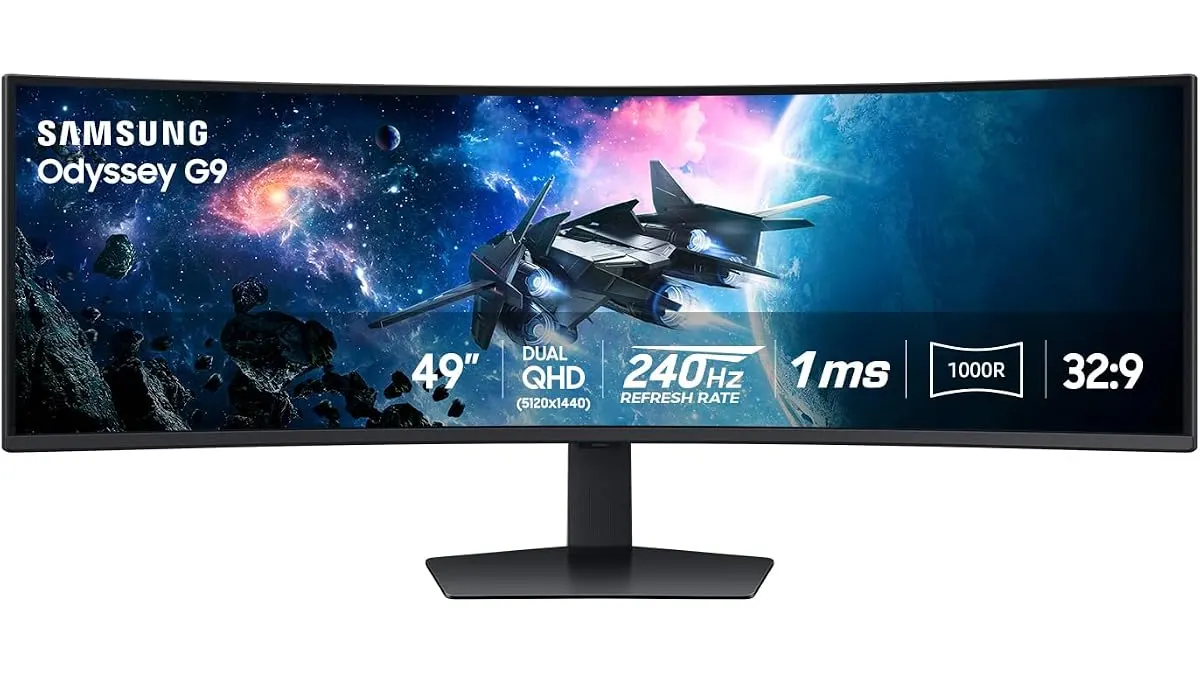
The Samsung Odyssey G9 LS49CG954ENXZA is not a standard desktop display; it is a sprawling, 49-inch landscape designed to replace multi-monitor setups. If you are tired of bezel gaps interrupting your timeline during complex edits, this ultra-wide might seem like the dream. In this Samsung Odyssey G9 LS49CG954ENXZA review, I explore whether its sheer size and performance justify a place in your studio or if it is overkill for your specific workflow requirements among our top-rated Monitors.
What it does well
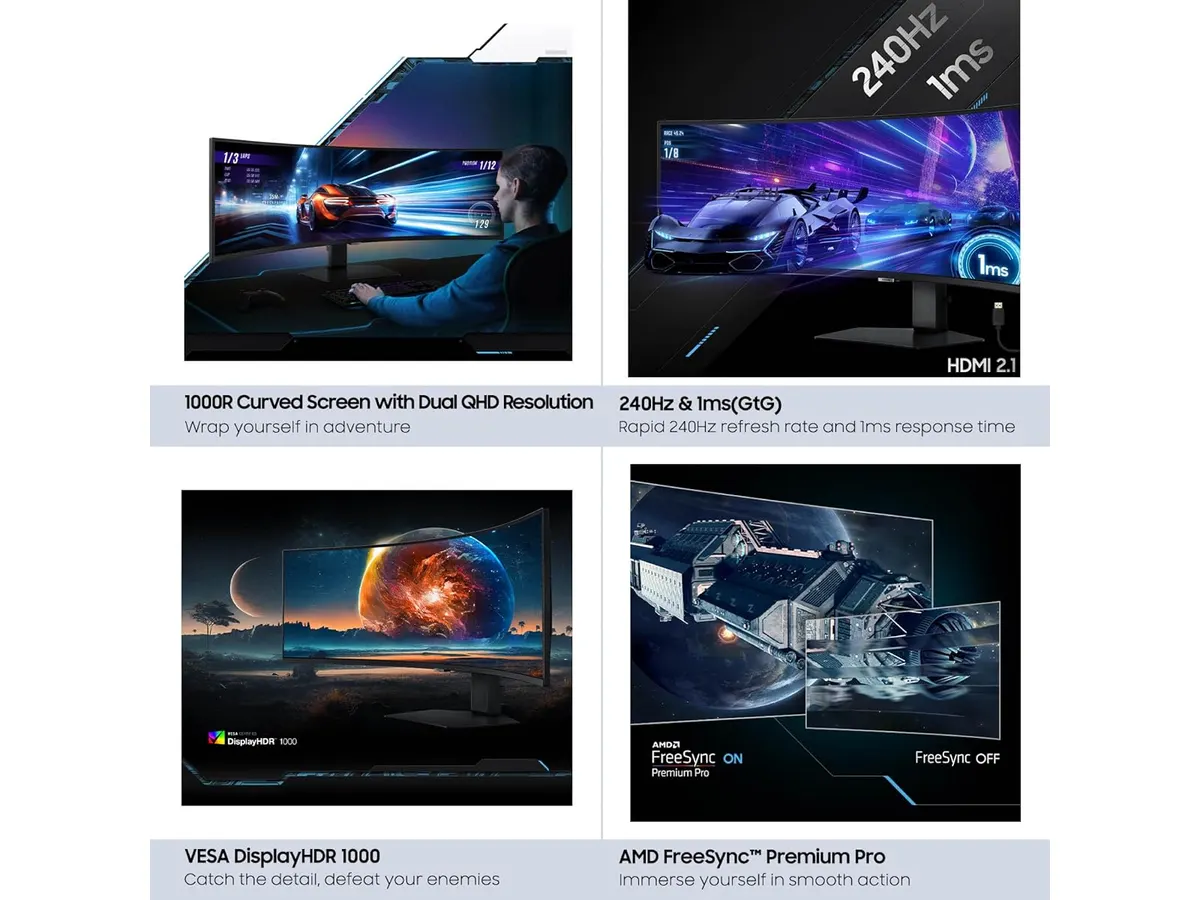
The primary draw here is the immersive 1000R curvature. When sitting at a standard desk distance, the wrap-around effect fills your peripheral vision, which is genuinely useful for long-form video editing where you need to see a massive sequence without constantly scrubbing or zooming.
Beyond the real estate, the technical performance is impressive for a display of this scale:
- Smooth Motion: The 240Hz refresh rate combined with a 1ms (GtG) response time makes scrubbing through high-frame-rate footage feel incredibly fluid. You will notice the difference in responsiveness immediately when dragging windows or moving playheads.
- Peak Brightness: With 1000 nits of peak brightness and HDR support, the display offers a punchy image that handles bright office environments well.
- Multitasking Efficiency: Using the PBP (Picture-by-Picture) and PIP (Picture-in-Picture) features, I was able to connect my main editing rig and a secondary laptop simultaneously. This effectively allows you to manage two machines on one desk without needing a messy KVM switch setup.
Key specifications
| Feature | Specification |
|---|---|
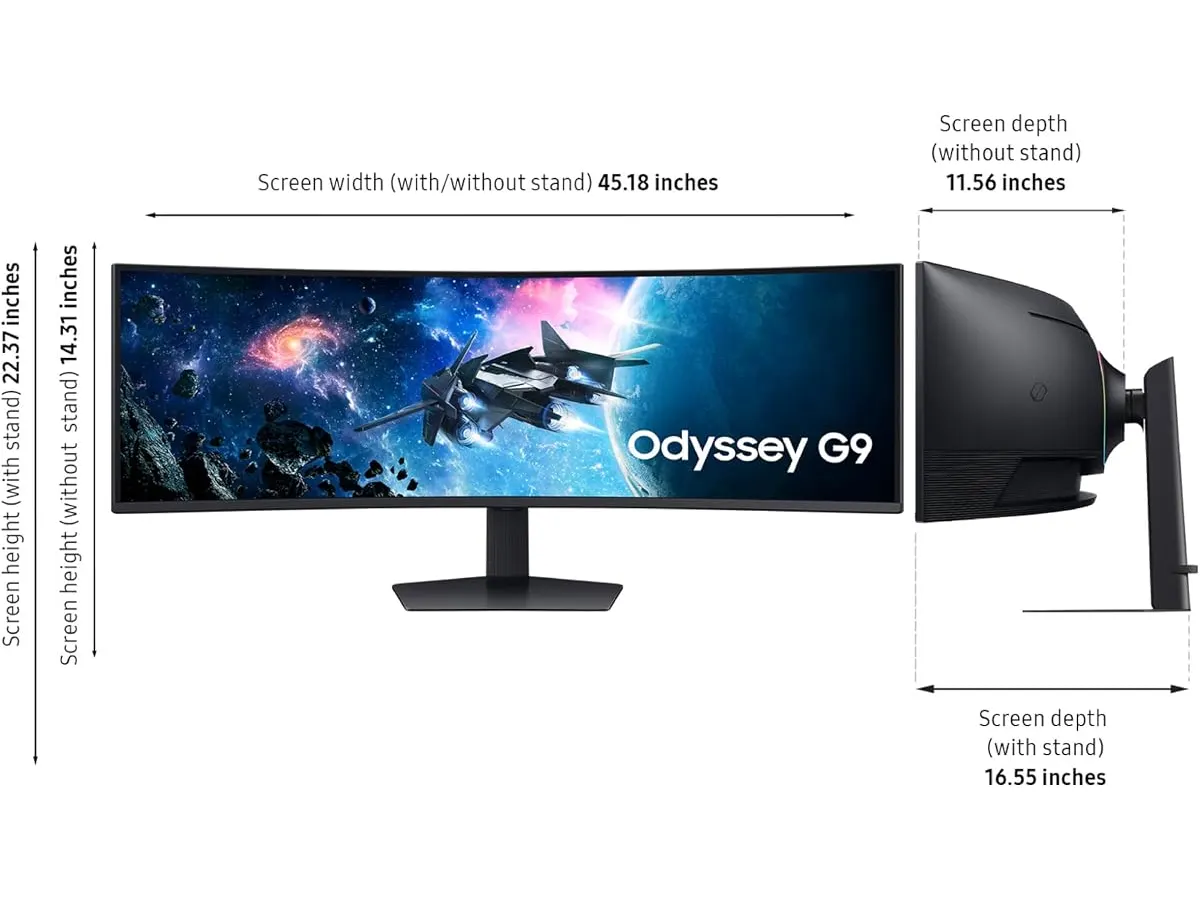
| Screen Size | 49 inches |
| Refresh Rate | 240Hz |
| Response Time | 1ms (GtG) |
| Curvature | 1000R |
| Peak Brightness | 1000 nits |
| Sync Technology | AMD FreeSync Premium Pro |
Where it falls short
While the size is a massive advantage for timeline management, it is also a liability. The sheer physical footprint requires a very deep, sturdy desk. If your workspace is compact, this monitor will dominate it to the point of being uncomfortable.
Additionally, while the display looks great, the 1000R curve is aggressive. It is fantastic for gaming and immersive editing, but if you are doing precise color grading where you need to check for straight lines or geometric distortion, the extreme warp at the edges can be distracting. You might still find yourself needing a smaller, flat reference monitor, similar to the experience we detailed in the Samsung Essential S3 27 Curved Monitor Review when comparing workspace needs.
Who is it for?
The Samsung Odyssey G9 LS49CG954ENXZA is a perfect fit for the heavy-duty video editor or motion graphics artist who lives inside their timeline and needs to see everything at once. If you are a multitasking power user who frequently runs communication apps, browser windows, and editing software side-by-side, this will drastically improve your efficiency.
Conversely, it is not for the minimalist or the color-critical professional. If your work requires strict color accuracy for theatrical delivery or if you prefer a vertical orientation for your second display, the limitations of this panel’s geometry will likely frustrate you.
Alternatives to consider
If you want a more traditional setup, consider a dual-monitor configuration using two high-end 27-inch IPS panels. This is the standard for color-accurate work and provides better flexibility for rotating one monitor to portrait mode for vertical social media content.
If you prefer a single-screen experience but don’t need the extreme 49-inch width, an ultra-wide 34-inch panel is often the sweet spot. These provide a more manageable viewing angle and are generally easier to calibrate for professional color work while still offering enough width for a wide timeline.
Verdict
I found the Samsung Odyssey G9 LS49CG954ENXZA to be a highly capable tool for specific editing workflows that prioritize timeline space over clinical color accuracy. It is a massive upgrade for productivity, provided you have the desk space to accommodate it. If you are looking to round out your gear, consider checking our other reviews on Monitors to ensure this fits your entire post-production pipeline.
Frequently asked questions
Can I use this for professional color grading?
While the HDR 1000 is bright and punchy, the extreme 1000R curvature makes it less than ideal for critical color grading where geometric precision is required. It is better suited for assembly, rough cuts, and general multitasking.
Does this monitor work well with macOS?
It functions as a standard display, but you will need to ensure your GPU supports the high resolution and refresh rate over a single cable. Always verify your specific hardware configuration before making the switch.
Do I need a special monitor arm for this?
Yes, because of its weight and the 1000R curve, you need a heavy-duty arm specifically rated for 49-inch ultra-wide displays. A standard arm will likely sag under the load.

Written by
Charly River
Editor & Head of Reviews
I review audiovisual gear by cross-checking official specs, real availability and value for money. No sponsorships: if a link earns a commission, I always say so.
Spotted an error? Email usYou may also like
 Monitors
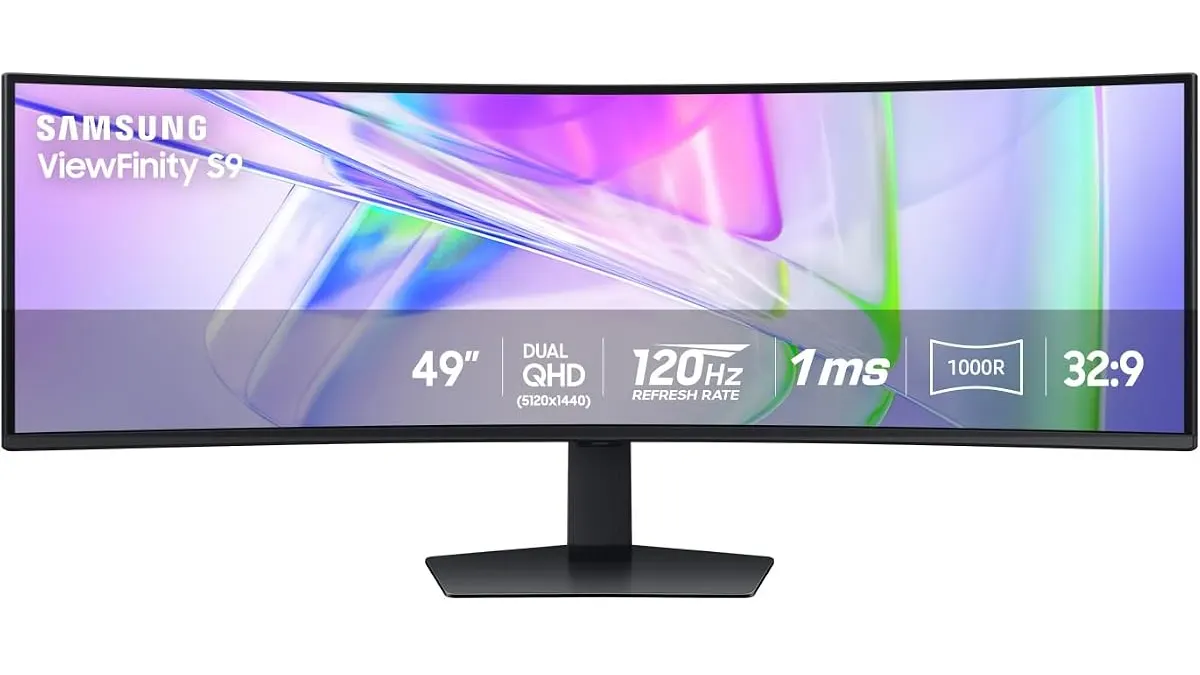
Samsung LS49C954UANXZA Review: Is This 49-inch Ultrawide Worth It?
We put the Samsung LS49C954UANXZA to the test. Discover if this massive 120Hz ultrawide monitor is the productivity powerhouse your edit suite needs.
 Monitors
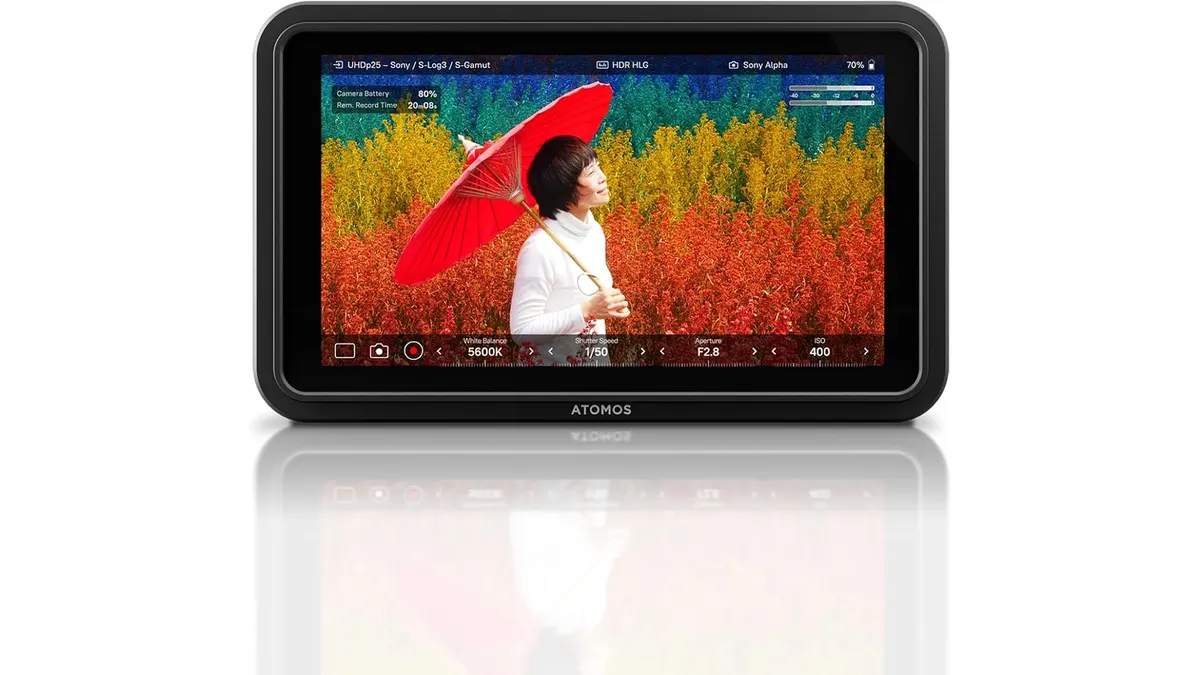
Atomos Shinobi II Review: A Versatile 4K HDR Monitor
Explore the Atomos Shinobi II in our detailed review. Find out if this 4K HDR monitor is the right choice for your filmmaking needs.
 Monitors
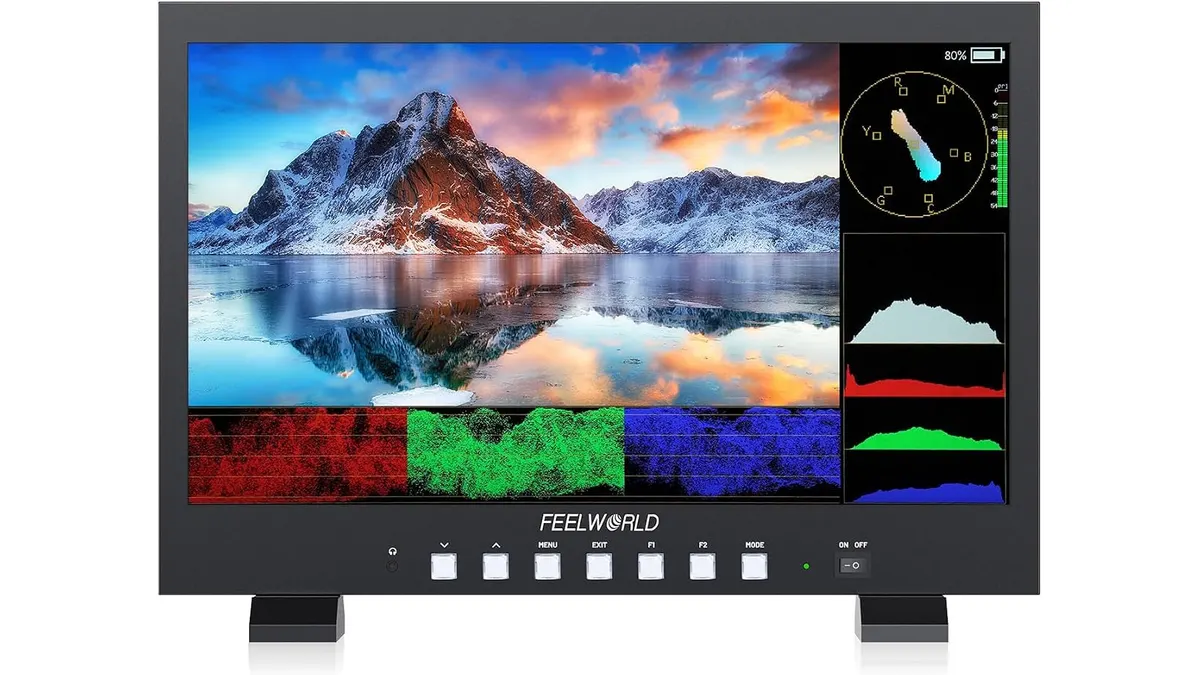
FEELWORLD FVM215 Review: Versatile 21.5" Monitor for Filmmaking
Discover the FEELWORLD FVM215, a robust 21.5" monitor designed for clarity and precision in demanding filming environments.