Samsung S3 S39GD Series Review: A Large Curved Desktop Display
Looking for a big, immersive screen for your edit suite? We put the 32-inch Samsung S3 S39GD Series through its paces to see if it fits your production needs.
 Monitors
When you spend ten hours a day staring at a timeline, the display you choose isn’t just a peripheral; it’s an extension of your creative process. The Samsung S3 S39GD Series brings a massive 32-inch curved canvas to the desk, aiming to balance immersion with office-ready ergonomics. We have spent time testing various Monitors to see which ones actually improve the color grading or editing workflow for independent creators.
What it does well
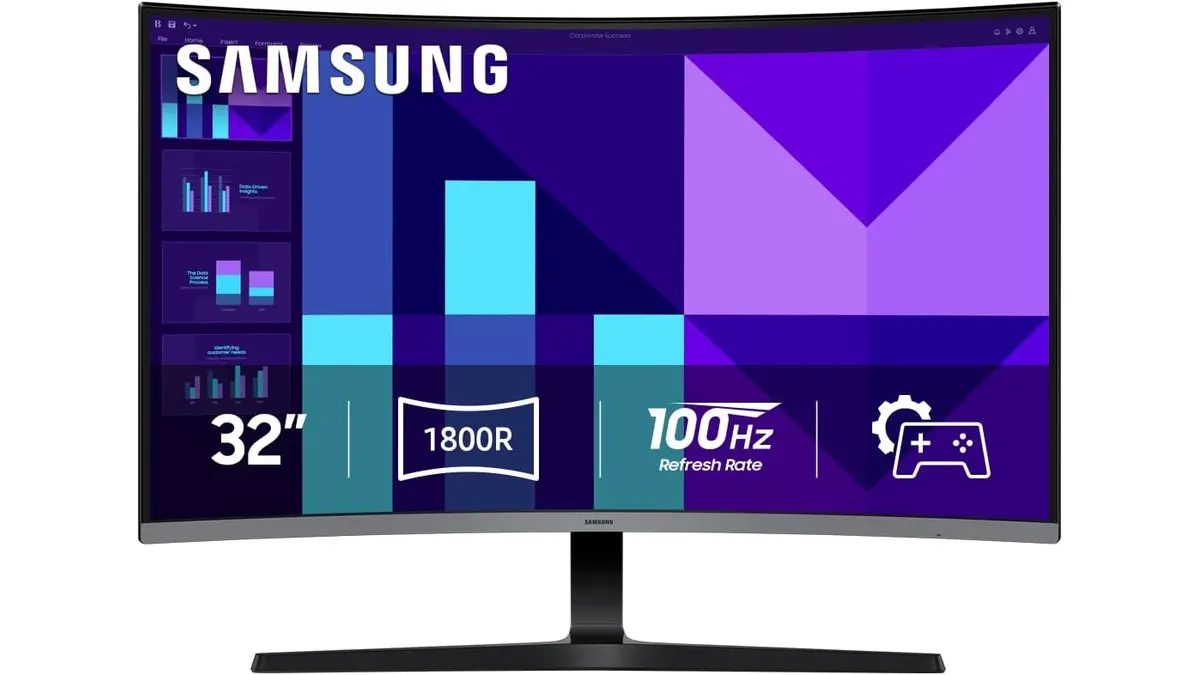
The standout feature of the Samsung S3 S39GD Series is undoubtedly its 32-inch curved panel. During our tests, the curve provided a noticeably more comfortable viewing angle when sitting at a standard desk distance, as it helps maintain consistent depth of field across the entire width of the screen. This is particularly useful when you are scanning long timelines in your NLE.
- Fluid Motion: The 100Hz refresh rate is a welcome upgrade over standard 60Hz panels. While not a gaming monitor in the competitive sense, the extra frames make window dragging, cursor movement, and general OS navigation feel snappy and responsive.
- Eye Fatigue Mitigation: The TÜV-certified eye care technology is functional. After long sessions of cutting proxies, we noticed significantly less eye strain, likely due to the combination of reduced flicker and the blue light filter settings.
- Space Efficiency: Including built-in speakers is a thoughtful addition for those who need a clean, minimalist desk setup. While they won’t replace a dedicated reference monitoring system, they are perfectly adequate for scrubbing through raw footage or checking audio levels during a quick edit.
Key specifications
| Feature | Specification |
|---|---|
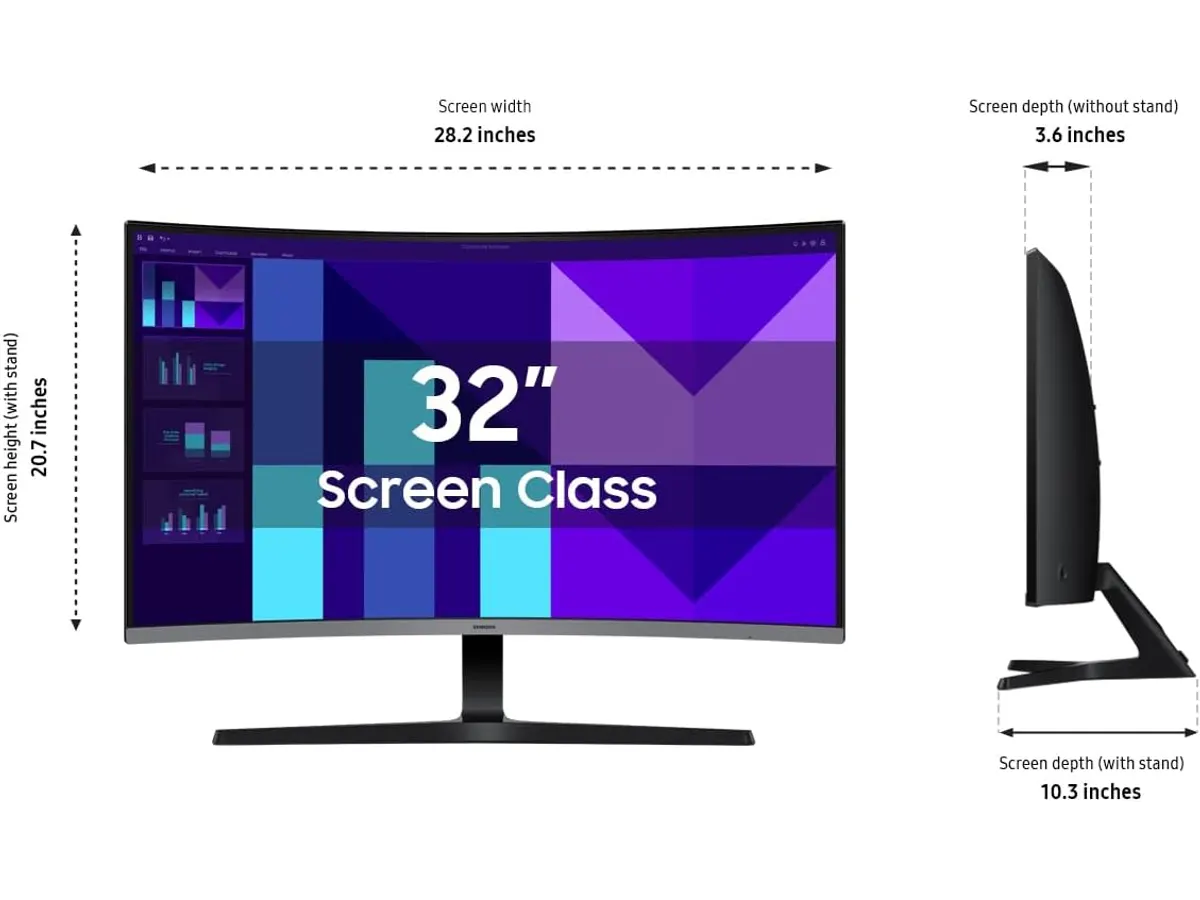
| Screen Size | 32 inches |
| Resolution | FHD (1920 x 1080) |
| Refresh Rate | 100Hz |
| Form Factor | Curved |
| Audio | Integrated Speakers |
| Eye Care | TÜV Certified flicker-free/blue light reduction |
Where it falls short
Despite the immersive size, the primary limitation here is the resolution. Stretching 1080p content across a 32-inch panel results in a lower pixel density, which means text and fine image details won’t look as sharp as they would on a smaller monitor or a higher-resolution panel. If you are doing precision color grading, you will likely find the pixel structure distracting.
Additionally, while the curve is immersive for gaming or casual viewing, it can introduce slight geometric distortion. If you are an architect or someone who relies on perfectly straight lines for design work, that subtle bend in the display can be surprisingly jarring. It is not an ideal choice for high-end graphic design or critical color-sensitive work where pixel-perfect accuracy is non-negotiable.
Who is it for?
The Samsung S3 S39GD Series is a solid pick for the student filmmaker or the corporate content creator who needs maximum screen real estate for basic non-linear editing and document management. If you are constantly juggling multiple browser windows and a chat client while editing, the size makes for an excellent productivity boost. Conversely, this is not for the professional colorist or the VFX artist who requires 4K resolution and high color accuracy; for that level of production, you would be better off reading our Samsung Essential S3 27 Curved Monitor Review to understand how different sizes impact your workspace.
Alternatives to consider
If you need better clarity for high-end editing, consider looking at a higher-tier 4K display in the 27-to-32-inch range. These will offer sharper text and a much higher level of detail for critical inspection, though they often trade off the higher refresh rates found on this unit. Alternatively, if you need a monitor that travels with you, an on-camera solution like the Atomos Ninja 5.2” Review: A Solid 4K Monitor-Recorder is far better suited for field work, as it doubles as a reliable recording device.
Verdict
The Samsung S3 S39GD Series is a practical, affordable choice for creators who prioritize screen size and comfort over pixel density. While it isn’t the sharpest tool in the shed for detailed color work, the 100Hz refresh rate and ergonomic curve make it a comfortable daily driver. If your work is primarily 1080p content for web delivery, this monitor offers a massive workspace at a sensible tier.
Frequently asked questions
Is this monitor suitable for color grading?
No. The FHD resolution and standard color performance are not sufficient for critical color grading. It is better suited for layout, editing, and general office tasks.
Can I use this for professional gaming?
It handles gaming decently well due to the 100Hz refresh rate, but competitive players will usually prefer faster response times and higher resolutions.
Does the curve affect the viewing experience for video editing?
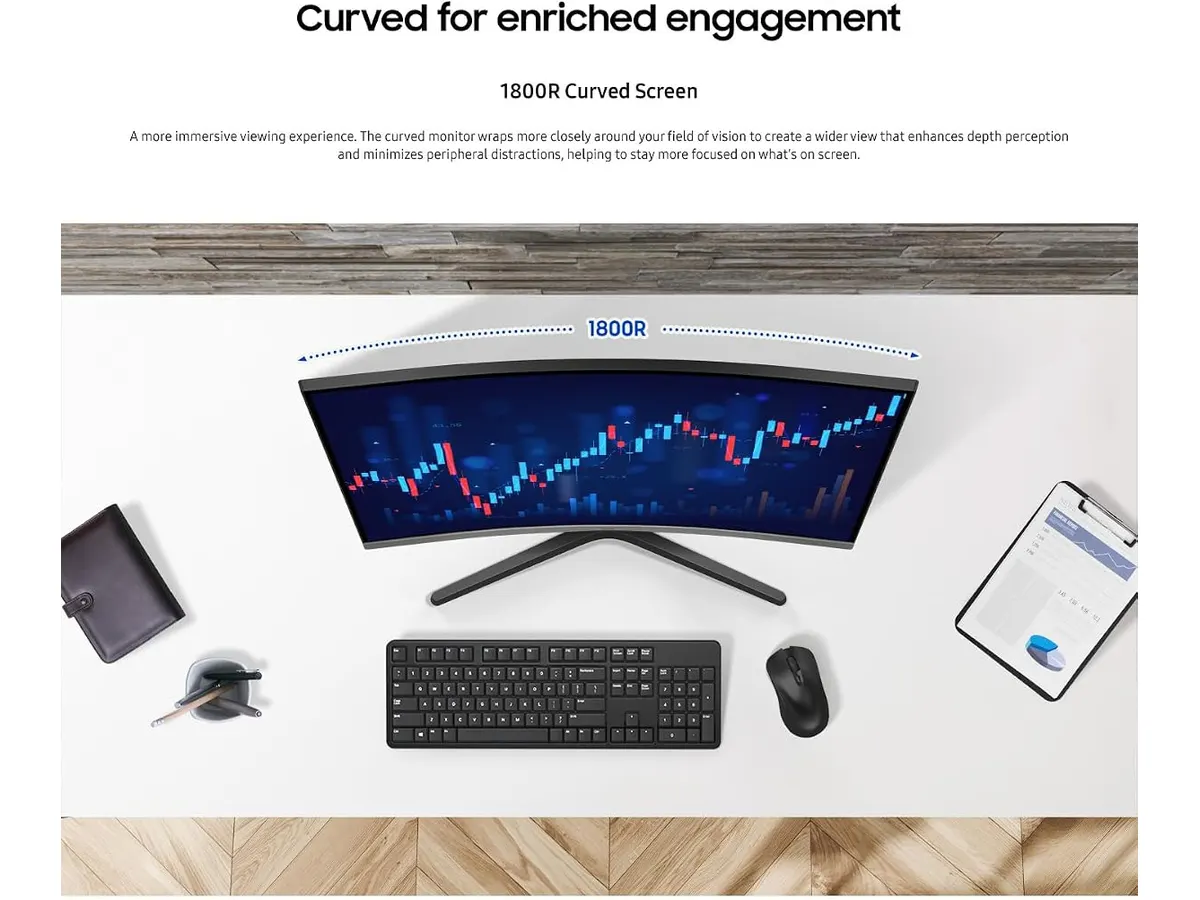
It creates a more immersive experience by wrapping the screen around your field of vision, but be aware that it can distort straight horizontal lines, which may be a drawback for motion graphics artists.

Written by
Charly River
Editor & Head of Reviews
I review audiovisual gear by cross-checking official specs, real availability and value for money. No sponsorships: if a link earns a commission, I always say so.
Spotted an error? Email usYou may also like
 Monitors
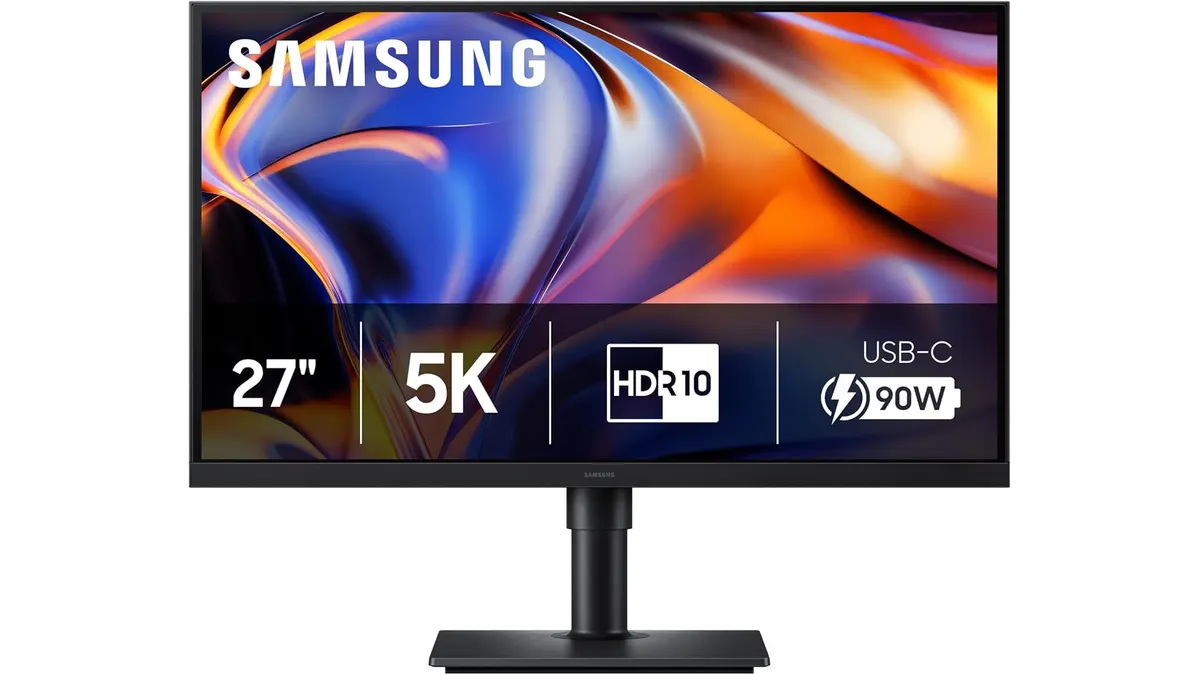
Samsung ViewFinity S8 (S80HF) Review: Desktop 5K Monitor
Discover our in-depth Samsung ViewFinity S8 (S80HF) review. Explore 5K resolution, 218 PPI, 90W USB-C, and built-in KVM for video editing bays.
 Monitors
Samsung LS49C954UANXZA Review: Is This 49-inch Ultrawide Worth It?
We put the Samsung LS49C954UANXZA to the test. Discover if this massive 120Hz ultrawide monitor is the productivity powerhouse your edit suite needs.
 Monitors
Samsung ViewFinity S50GC Review: A 34-Inch Desk Workhorse
Read our Samsung ViewFinity S50GC review. Discover how this 34-inch 21:9 Ultra-WQHD monitor handles video editing timelines and multi-source workflows.