Elgato Key Light Review: Precision Lighting for Your Stream
Looking for studio-grade desk illumination? Our Elgato Key Light review cuts through the marketing to see if this Wi-Fi LED panel fits your production needs.
 Lighting
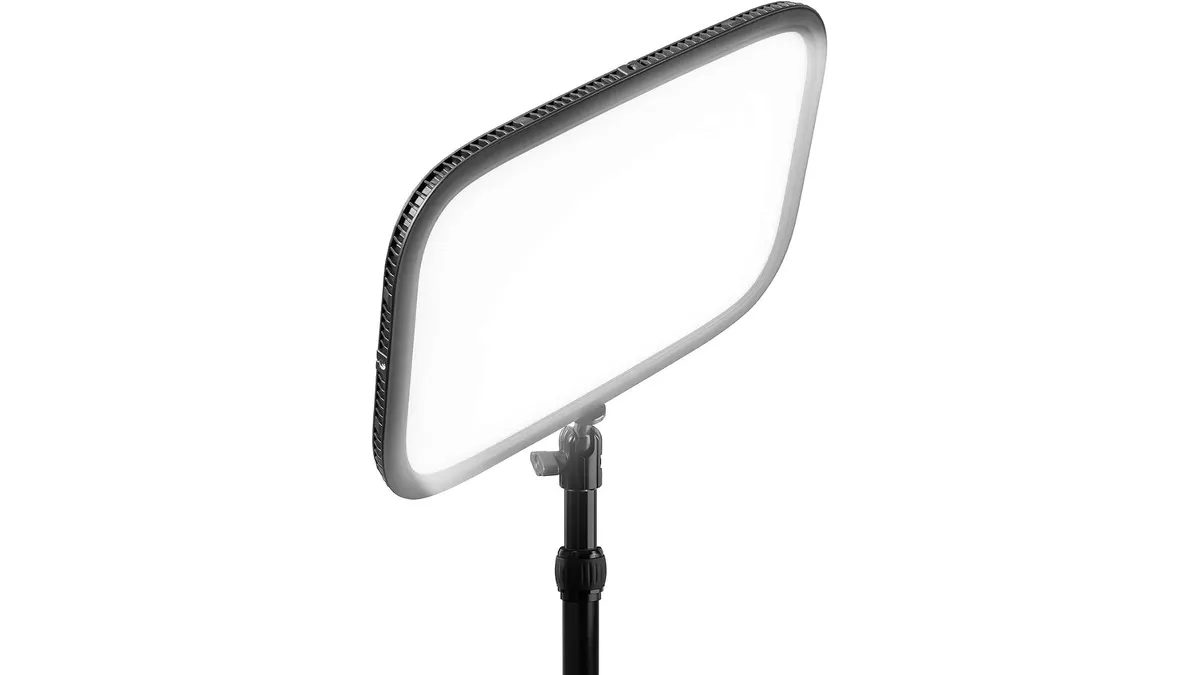
If you spend your days tethered to a desk or working in a home studio, you know that lighting is the difference between a professional look and a murky, amateur stream. The Elgato Key Light has become a staple in the creator space, aiming to replace bulky softboxes with a streamlined, app-controlled LED panel. Whether you are upgrading your setup or building from scratch, check our Lighting guide to see how this fits into your wider gear kit.
What it does well
The standout feature here is the integration. Because it connects via Wi-Fi, you can control the output directly from your desktop. This is a game-changer for solo operators who don’t have a dedicated gaffer standing by to adjust levels mid-stream. The 2800 lumens of output provides more than enough punch to light a face evenly, and it can dim down to a subtle glow when you only need a bit of fill.
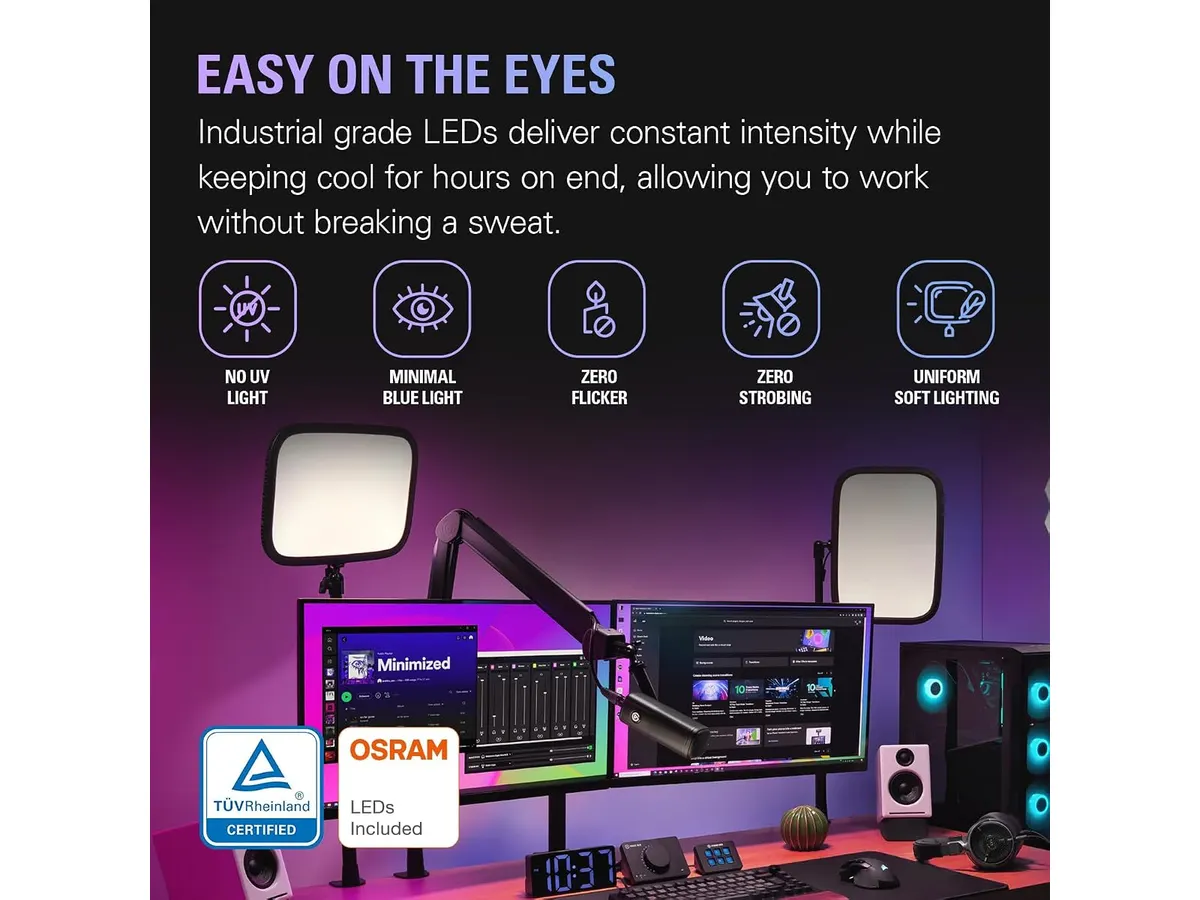
I also appreciate the thermal management. The 160 OSRAM LEDs generate very little heat compared to traditional large-format lighting, which keeps the room comfortable during long recording sessions. The opal glass front is another win; it diffuses the light beautifully, eliminating harsh hotspots and creating a soft, flattering wrap that is usually difficult to achieve without external diffusion fabric or large modifier banks.
Key specifications
| Feature | Specification |
|---|---|
| Luminosity | 2800 Lumens |
| Color Temperature | 2900 - 7000 K |
| Connectivity | Wi-Fi |
| Light Source | 160 OSRAM LEDs |
| Diffusion | Opal glass, glare-free |
Where it falls short
The most glaring limitation is the dependency on the software. If your network is unstable or your computer is under heavy load, the control app can sometimes lag. While the build quality is solid, it is clearly designed for fixed-position indoor use; it is not a tool you can throw into a run-and-gun kit for field interviews or outdoor work.
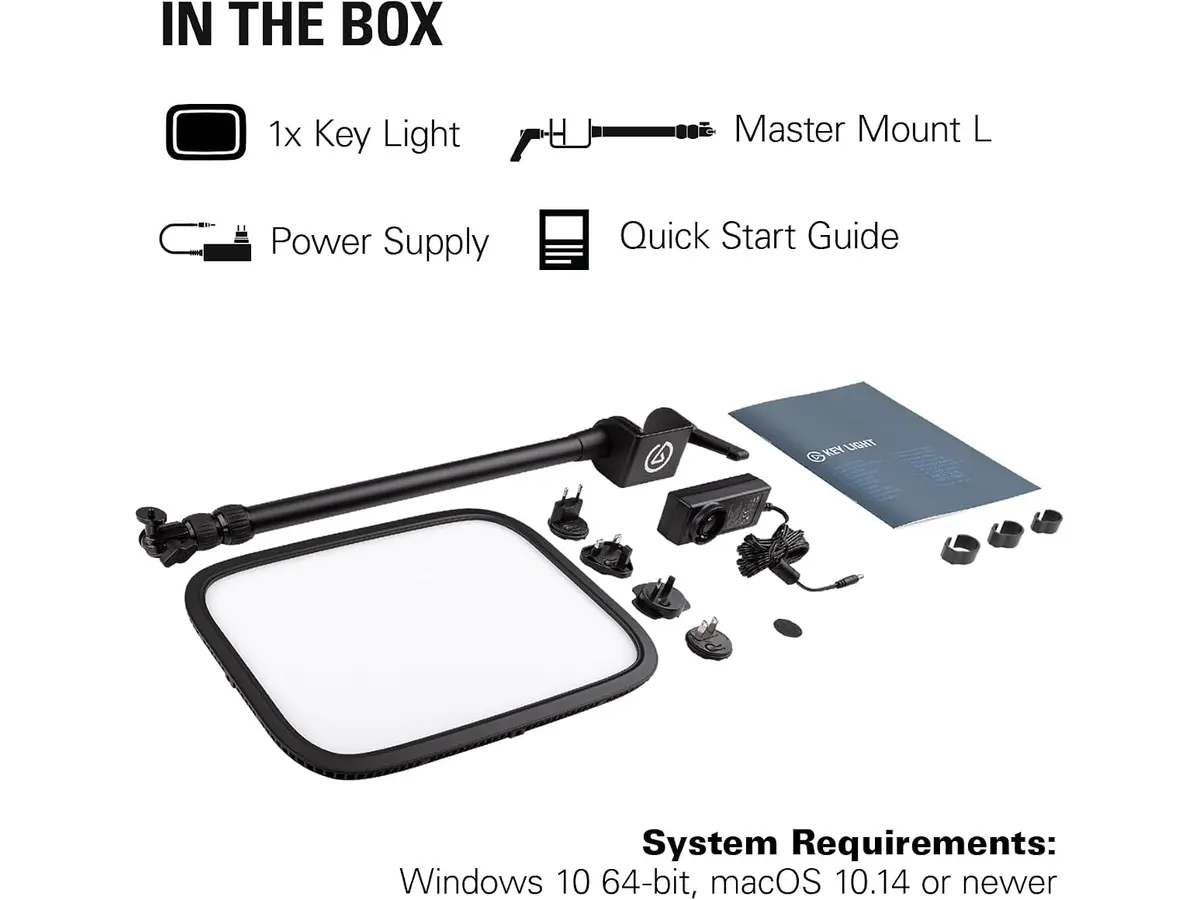
Additionally, the mounting system is somewhat restrictive. It is designed to clamp to a desk, which is perfect for a home office but useless for someone who needs to mount lights on C-stands for more complex, multi-angle setups. If you are looking for something more portable, check out the GVM 3-Pack LED Video Lighting Kit Review for Filmmakers for a more versatile solution.
Who is it for?
The Elgato Key Light is a dream for the solo streamer or corporate employee who needs a consistent, high-quality look for video calls and content creation without managing multiple power bricks and cables. It is a set-and-forget solution that cleans up your desk space.
Conversely, this is not the right tool for the cinematographer or location videographer. If you need to move lights constantly, match ambient light in varying locations, or require battery-powered operation, this tethered, desk-centric light will only slow you down. For smaller, portable needs, you might prefer the Neewer Dimmable 5600K USB LED Review: Small Panel Performance.
Alternatives to consider
If you need a professional, color-accurate light for high-end studio work, look toward mid-tier LED panels that offer physical controls and DMX compatibility. These are better for those who prefer tactile knobs over software menus and need universal mounting options.
If you are on a budget and just need a simple, reliable source for basic talking-head videos, entry-level LED panels with battery capability are a better bet. They lack the fancy Wi-Fi features but offer the flexibility to move your key light around the room without worrying about software connectivity or desktop integration.
Verdict
The Elgato Key Light succeeds because it understands its niche: the desk-bound creator who values efficiency over raw, field-ready ruggedness. While it isn’t the most versatile light in terms of mounting or portability, its software integration and soft, diffused output make it a top contender for home studios. If you want a clean, professional look for your next broadcast, this remains a benchmark in the category.
Frequently asked questions
Can I use this light without Wi-Fi?
Yes, but you lose the primary convenience of remote control through the app. The light is best experienced with the software integration.
Does this light get hot during long streams?
No, the LED array is efficient and generates minimal heat, even at high output settings, making it ideal for confined spaces.
Is this light battery-powered?
No, it requires a constant AC power connection, which reinforces its status as a permanent, studio-based lighting solution.

Written by
Charly River
Editor & Head of Reviews
I review audiovisual gear by cross-checking official specs, real availability and value for money. No sponsorships: if a link earns a commission, I always say so.
Spotted an error? Email usYou may also like
 Lighting
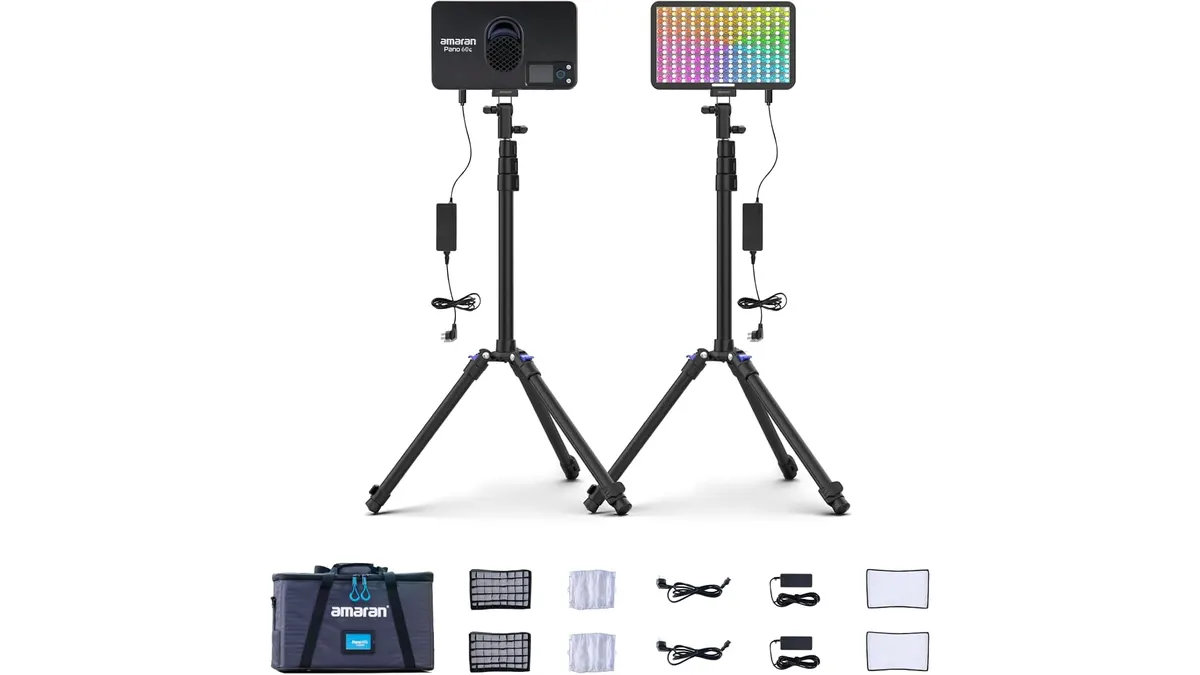
Amaran Pano 60c 2-Light Kit Review: Portable Power for Solo Shooters
I tested the Amaran Pano 60c 2-Light Kit in the field. See if this compact RGBWW setup is the right addition to your portable production toolkit.
 Lighting
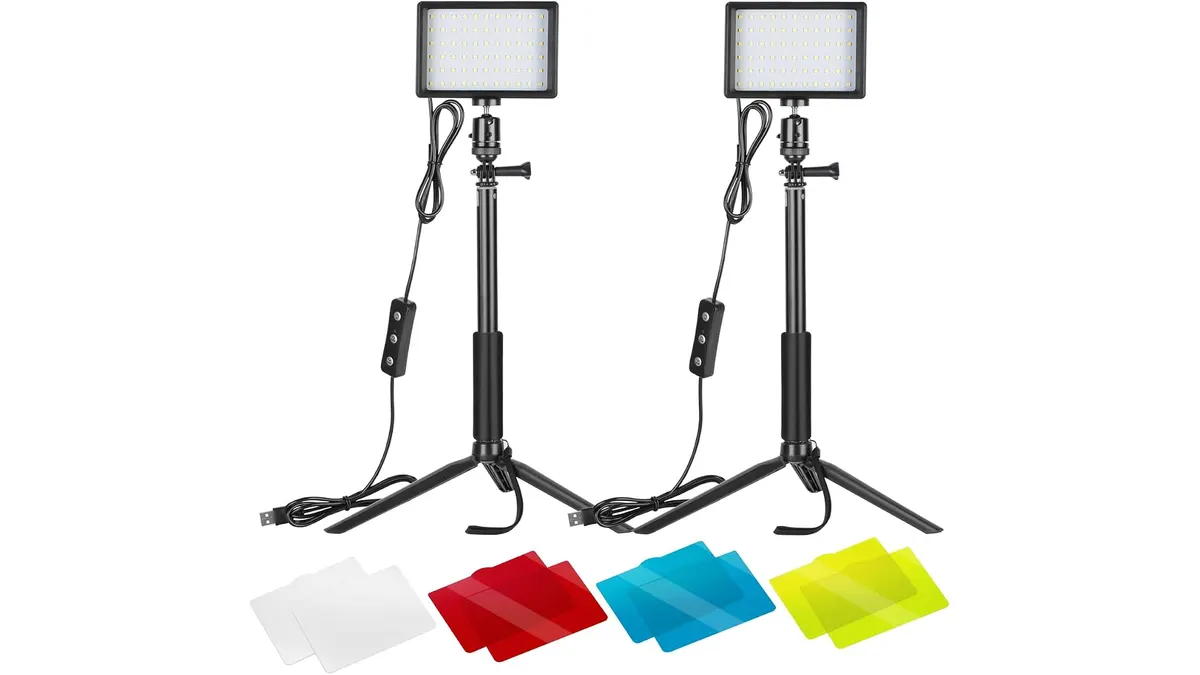
Neewer Dimmable 5600K USB LED Review: Small Panel Performance
We put the Neewer Dimmable 5600K USB LED to the test. Find out if these compact panels are right for your desk setup or if you need more power for your shoots.
 360 & Action Cameras
DJI Osmo Pocket 3 Review: A Tiny Gimbal Powerhouse
Looking for the ultimate vlogging camera? Our DJI Osmo Pocket 3 review breaks down how this 1-inch sensor gimbal stacks up for solo content creators.