Feelworld FW759PRO Review: 7-Inch HDMI Field Monitor
Read our hands-on Feelworld FW759PRO review. Learn about its 7-inch touch display, 4K HDMI input, power flexibility, and practical field performance.
 Monitors
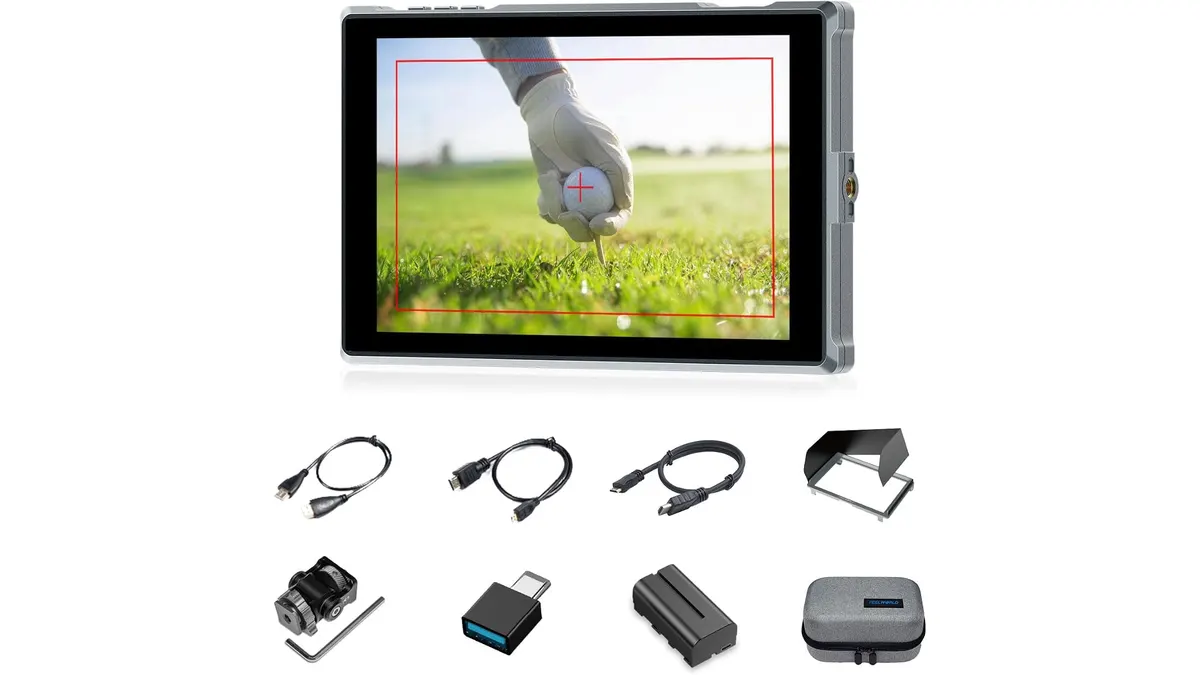
Relying on a camera’s small built-in screen during a hectic shoot often leads to missed focus and exposure mistakes. The Feelworld FW759PRO offers a spacious 7-inch display designed to give creators better visual control on set. In this Feelworld FW759PRO review, we break down how this monitor handles real-world video setups. If you are browsing field monitors, here is what you need to know.
What it does well
- Flexible Power Infrastructure: Operating on location means dealing with unpredictable power situations. The FW759PRO accommodates standard Sony NP-F style L-series batteries, a continuous DC 12V barrel input for studio power, and a USB-C 5V input. The option to power the monitor off a standard V-mount power bank or USB power bank via USB-C gives solo filmmakers tremendous piece of mind when shooting long event coverage.
- Slim Form Factor: At just 22mm in body thickness, the monitor mounts cleanly onto a cold shoe mount or small ball head without adding unneeded bulk. I found this particularly useful when balancing mirrorless rigs on medium-sized motorized gimbals where every millimeter of clearance matters.
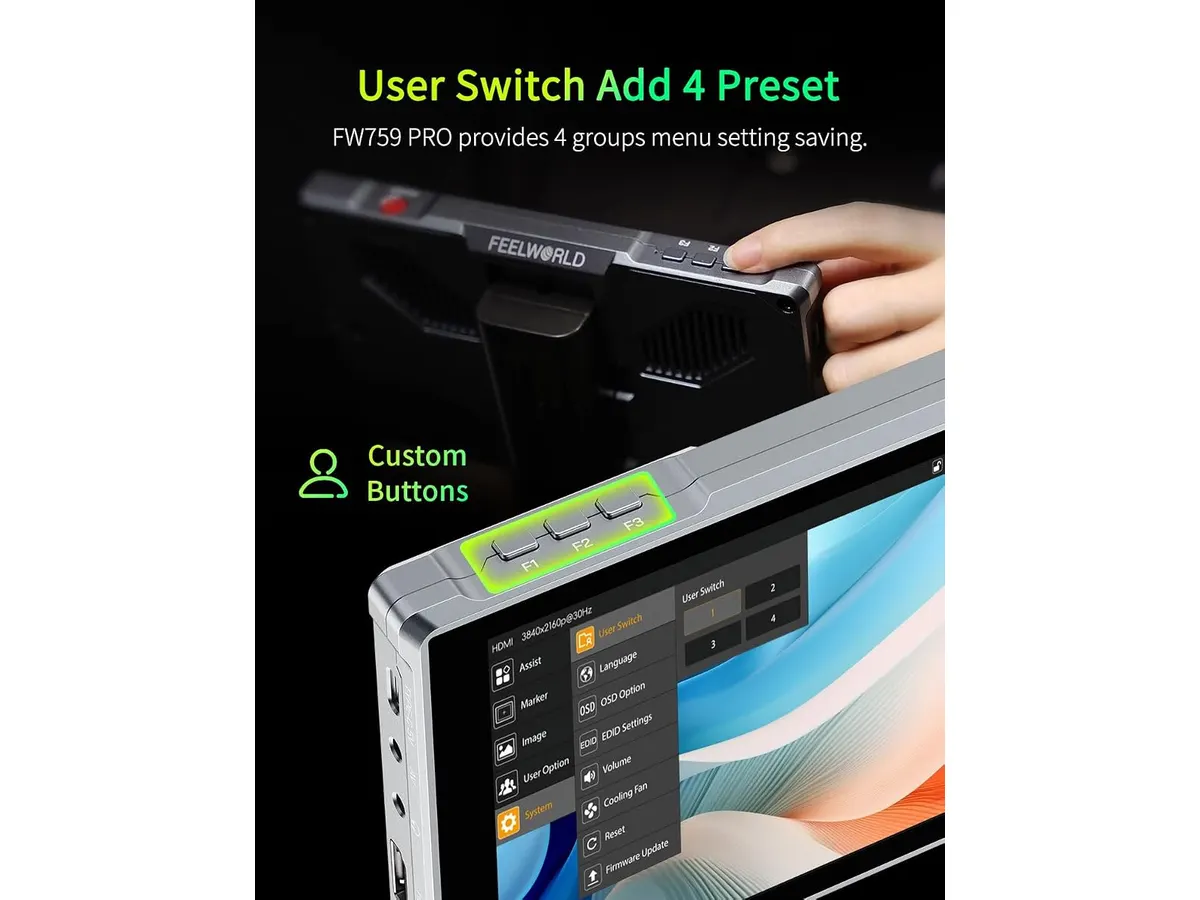
- Essential Exposure and Focus Tools: The touch screen interface allows quick access to essential evaluation tools like histogram displays and false color modes. Being able to tap the screen to verify false color exposure settings on an interview subject’s skin tones prevents clipped highlights before hitting record.
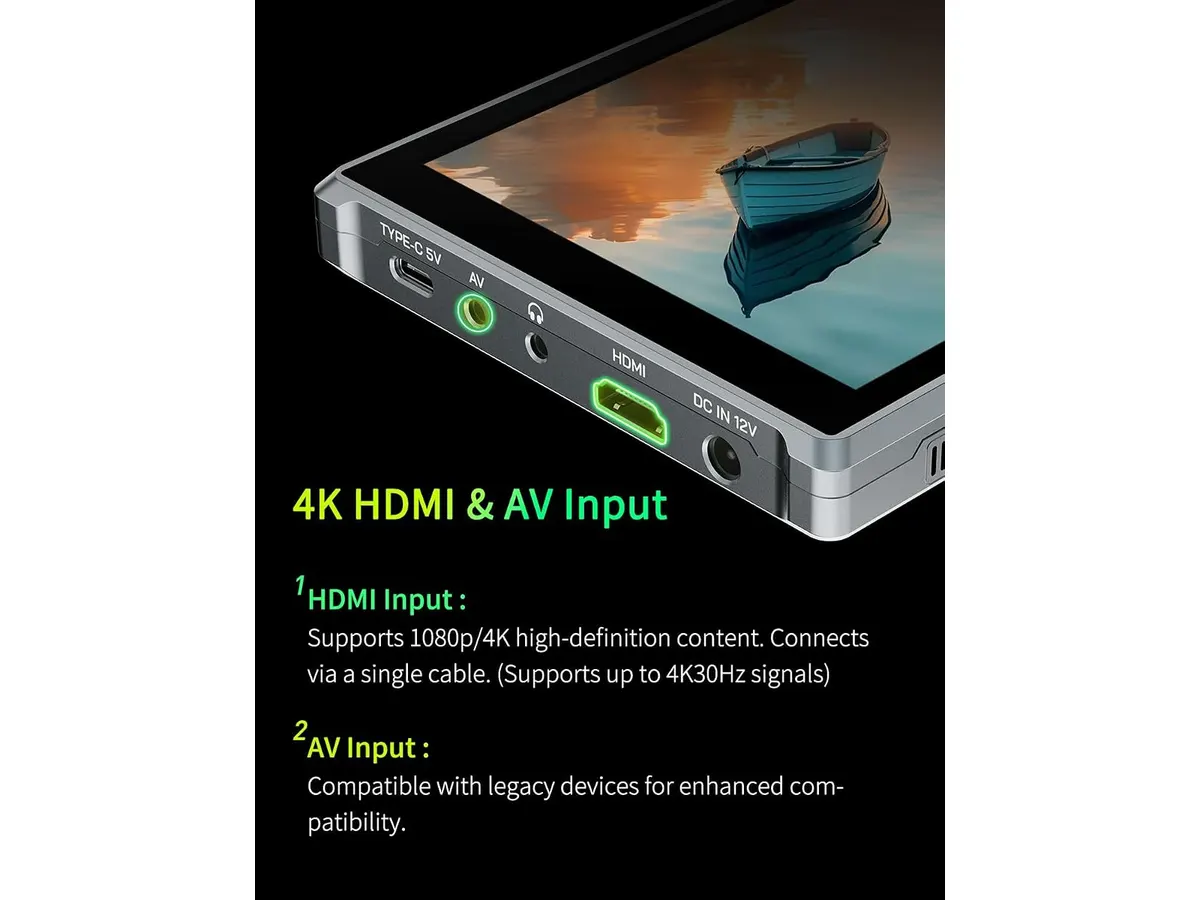
- Signal Compatibility: The unit accepts 4K HDMI input signals up to 30Hz, alongside traditional legacy AV inputs. This ensures seamless passthrough compatibility when plugged into modern mirrorless cameras outputting high-resolution video signals.
Key specifications
| Specification | Detail |
|---|---|
| Screen Size | 7 inches |
| Panel Type | IPS Touch Screen |
| Native Resolution | 1280x800 |
| Contrast Ratio | 1000:1 |
| Video Inputs | 4K HDMI (up to 30Hz), AV |
| Body Thickness | 22mm |
| Power Options | NP-F battery, DC 12V, USB-C 5V |
| Assistance Tools | Histogram, False Color |
Where it falls short
While the FW759PRO accepts 4K HDMI signals, it scales that signal down to a native panel resolution of 1280x800. For general framing, wide composition, and interview monitoring, 1280x800 on a 7-inch screen is workable. However, pullers working with tight depth-of-field cine lenses may notice that critical focus checks require relying heavily on soft peaking tools rather than raw pixel clarity.
Additionally, the 4K HDMI input limit caps out at 30Hz. If your camera setup outputs a 4K 60p signal via HDMI, you will need to set your camera’s HDMI output setting to 1080p or 4K 30Hz for the display to register the feed.
Finally, the contrast ratio sits at 1000:1. In direct high-noon sunlight without a dedicated sunhood, the IPS panel can struggle against harsh environmental glare, making shadow detail harder to evaluate on bright exterior locations.
Who is it for?
- Budget-Conscious Solo Operators and Interviewers: If you shoot corporate sit-down interviews, YouTube content, or static studio podcasts, this unit gives you a roomy 7-inch workspace to check framing and false color exposure without draining your gear budget.
- Action Photographers and High-Frame-Rate Rig Shooters: If your primary workflow requires active monitoring of 4K 60fps HDMI signals without downscaling outputs, or if you need external high-bitrate recording functionality like the capabilities found on dedicated recorder units like the Atomos Ninja 5.2” Monitor-Recorder, this entry-level display will feel limiting.
Mobile vloggers or creators building ultra-light smartphone rigs might also prefer compact clip-on displays, such as the ULANZI VM2 SelfiePod, rather than carrying a full 7-inch HDMI field monitor.
Alternatives to consider
- Mid-Tier High-Brightness Field Monitors: Shooters working predominantly outdoors under bright sunlight often step up to mid-tier monitors featuring higher nit brightness outputs and native 1920x1200 panels. These mid-tier options cost significantly more but solve outdoors visibility issues without relying entirely on sunshades.
- Professional Monitor-Recorders: For high-end narrative workflows, productions move up to dedicated monitor-recorder units in higher price tiers. These units allow recording raw or ProRes formats directly to SSDs alongside offering native 1080p or 4K screen panels with higher refresh rate support.
Verdict
The Feelworld FW759PRO delivers practical visual monitoring for videographers needing a lightweight 7-inch touch screen display. Its triple-power options—especially USB-C 5V support—and built-in tools like false color make it a solid everyday tool for studio sit-downs and indoor video production. While its 1280x800 native resolution and 4K 30Hz input caps require compromises, standard FEELWORLD Monitors like this model offer great utility for solo operators looking to improve their framing and exposure confidence.
Frequently asked questions
Can I power the Feelworld FW759PRO with a standard USB power bank?
Yes. The monitor features a USB-C 5V input port alongside standard NP-F battery plates and a DC 12V input, allowing you to run the monitor off standard portable power banks.
Does the Feelworld FW759PRO support 4K 60Hz HDMI inputs?
No. The HDMI input accepts 4K signals up to 30Hz. If your camera outputs 4K at 60Hz, you must set the camera’s HDMI output setting to 4K 30Hz or 1080p for the screen to display the image.
Is the FW759PRO screen a touch screen?
Yes, it features an IPS touch screen panel, allowing you to navigate menus and toggle exposure tools like histogram and false color directly on screen.

Written by
Charly River
Editor & Head of Reviews
I review audiovisual gear by cross-checking official specs, real availability and value for money. No sponsorships: if a link earns a commission, I always say so.
Spotted an error? Email usYou may also like
 Monitors
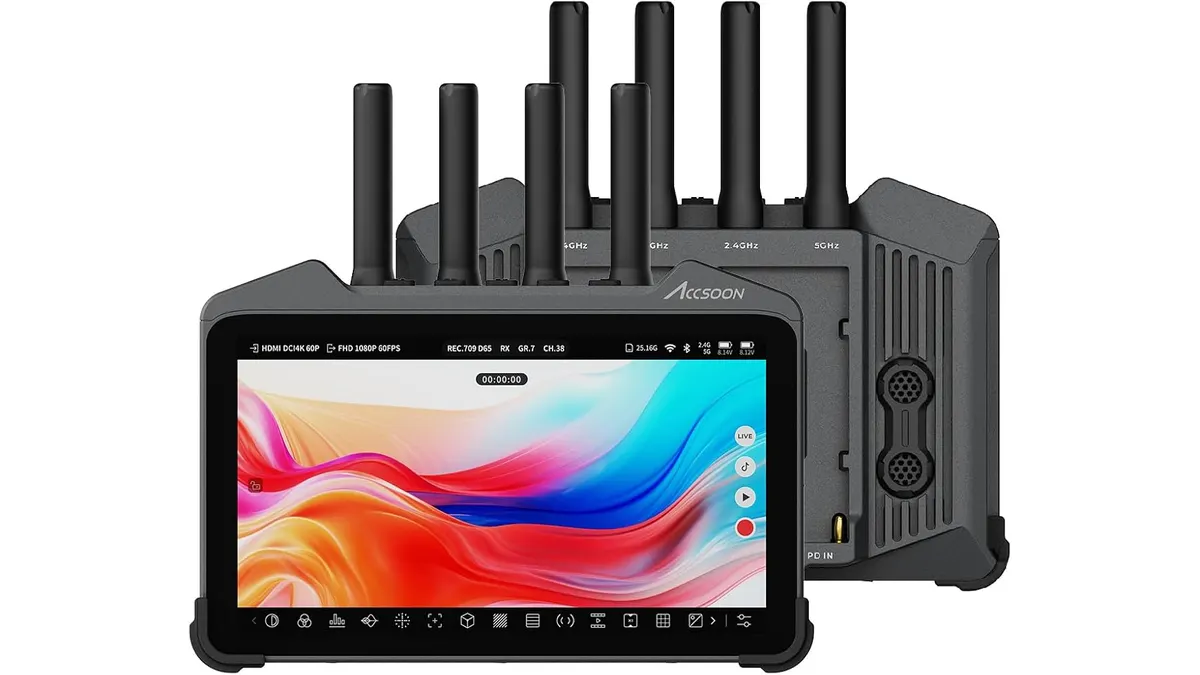
Accsoon CineView M7H Pro Review: The All-in-One Wireless Monitor
We tested the Accsoon CineView M7H Pro to see if its integrated wireless transmission and 4K recording capabilities hold up for professional field production.
 Monitors
FEELWORLD FW568PRO Review: A Bright Field Monitor for Creators
Looking for a reliable field monitor? Our FEELWORLD FW568PRO review breaks down its 1200-nit screen, LUT support, and performance for solo video production.
 Monitors
FEELWORLD FVM215 Review: Versatile 21.5" Monitor for Filmmaking
Discover the FEELWORLD FVM215, a robust 21.5" monitor designed for clarity and precision in demanding filming environments.