SVBONY A1 Review: Simplified Conference Video Transmission
I tested the SVBONY A1 to see if its AI-driven panoramic capture and integrated audio simplify corporate setups. Here is the honest truth.
 Video Transmission
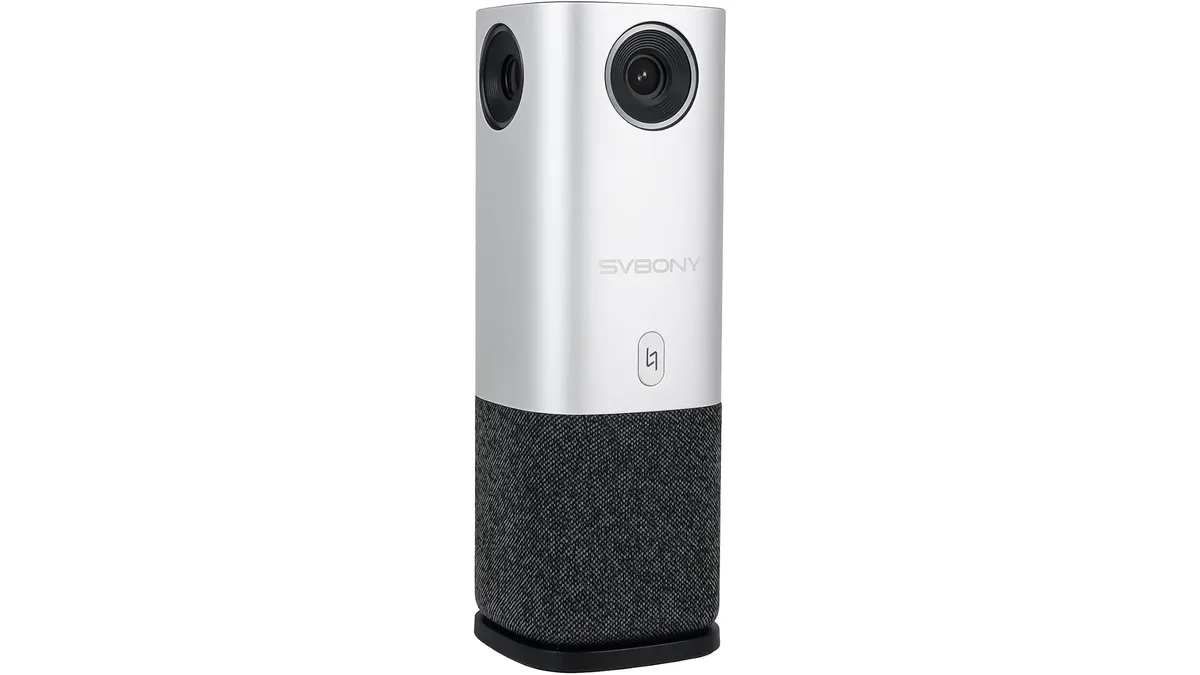
When you are tasked with setting up a professional-looking hybrid meeting in a hurry, the last thing you want is a mess of cables and discrete audio components. The SVBONY A1 aims to solve this by rolling a 360-degree camera and a multi-microphone array into a single, compact unit. In the world of Video Transmission, finding a reliable all-in-one solution is often a gamble between convenience and image quality. Throughout my testing, I found this unit to be a competent workhorse for those who prioritize speed over cinematic fidelity.
What it does well
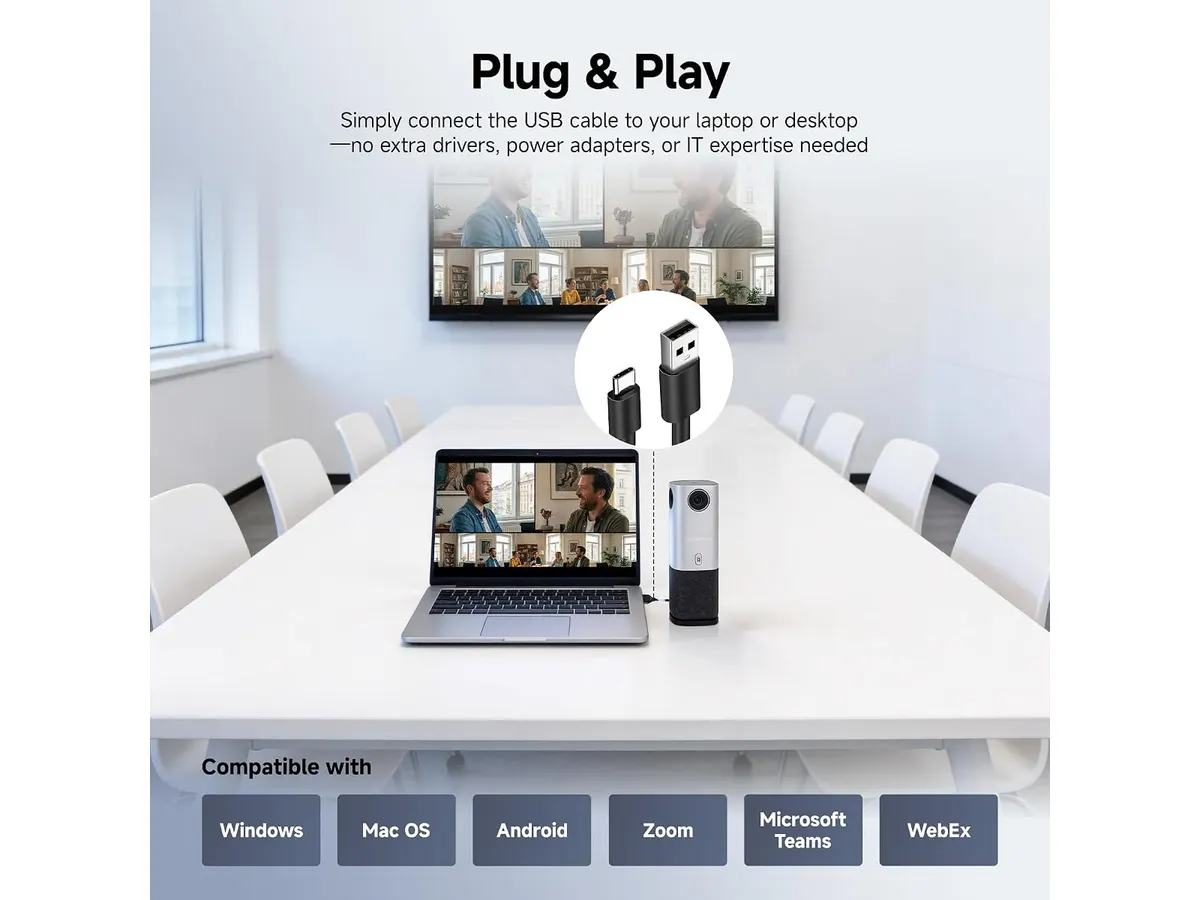
- Simplified Deployment: The plug-and-play architecture is the unit’s strongest feature. I was able to get it up and running in under six minutes, which is a massive relief when you are setting up in a boardroom minutes before a call begins.
- Comprehensive Coverage: The 360-degree panoramic view ensures that no one at the table is left out of the frame. It removes the need for multiple cameras or constant manual panning, providing a complete picture of the room.
- Active Speaker Tracking: The AI-driven tracking is surprisingly responsive. It identifies the active speaker and shifts the focus without jarring transitions, keeping the remote participants engaged with whoever is currently presenting.
- Integrated Audio: With four digital microphones and an additional array, the unit creates a reliable pickup range of 16.5 feet. This is sufficient for most medium-sized conference rooms without needing external lavalier or tabletop mics.
Key specifications
| Specification | Detail |
|---|---|
| Resolution | 1080P |
| Coverage | 360° |
| Audio Pickup | 4 Digital Mics + 1 Array |
| Audio Range | 16.5 feet |
| Compatibility | Zoom, Microsoft Teams, Google Meet |
| Setup Time | 6 minutes |
| Mute Feature | One-touch button |
Where it falls short
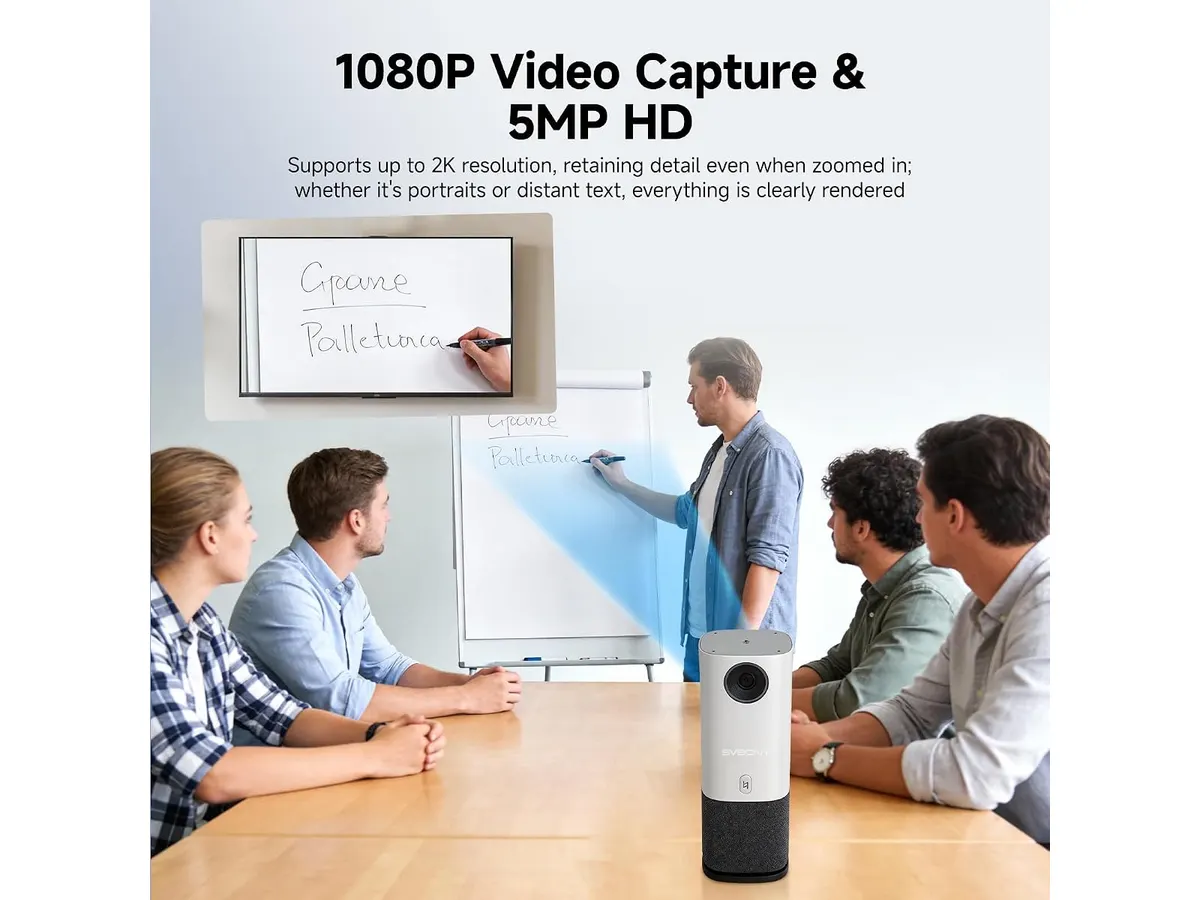
While the 1080P resolution is adequate for standard video conferencing, it lacks the sharpness required for high-end production. If you are used to the crispness of a dedicated broadcast camera, the 5MP sensor will feel somewhat soft in anything but ideal lighting conditions. Furthermore, because it is an all-in-one device, you lose the ability to swap out lenses or upgrade individual audio components. If the built-in microphones struggle with a particularly echo-heavy room, you are essentially locked into that performance level, as there is no easy path for expansion without adding external hardware that defeats the purpose of the device’s design.
Who is it for?
This unit is ideal for office managers or small-business owners who need a consistent, reliable, and unobtrusive solution for daily video meetings. It is perfect for those who do not have a dedicated IT or broadcast team to manage complex signal chains. Conversely, this is not for the content creator or event videographer looking to stream high-production webinars or live events. If your work demands high-fidelity color science, shallow depth-of-field, or complex switching, you will find the fixed nature of this system far too restrictive.
Alternatives to consider
For those who need more control, you might look toward professional-grade modular systems in the mid-price tier. These systems allow you to use dedicated capture cards and high-end glass, providing a significantly better image for broadcast-quality results, though they require much more time to deploy. If you are interested in more robust wireless options for field work, I recommend looking at the Jakoly Image Transmission 2-Pack Review for Filmmakers for comparison. For those needing higher resolution and PTZ flexibility, you might also consider the Tenveo VX30M-Ultra Review: Versatile 4K Video Transmission, which bridges the gap between simple conference cams and professional cinema gear.
Verdict
The SVBONY A1 is a solid, no-nonsense tool that delivers exactly what it promises: a fast, unified way to handle conference video. It isn’t a flagship piece of gear for a professional studio, but for its intended use case, it excels at removing the friction from standard meetings. If your priority is a clean desk and a quick start, check out our broader selection of Video Transmission hardware, but this unit remains a functional, budget-conscious choice for the corporate space.
Frequently asked questions
Is the setup really under 6 minutes?
Yes, the plug-and-play functionality is quite efficient. Once you connect it to your PC or Mac, most modern operating systems recognize the device immediately without needing complex driver installations.
Can I use this with software other than the ones listed?
While it is optimized for Zoom, Teams, and Google Meet, it acts as a standard USB video device, so it should be compatible with most platforms that accept generic webcam input.
Does the mute button affect the audio for everyone?
The one-touch mute button is a physical toggle on the unit, effectively cutting the signal from the internal microphone array, which provides immediate, hardware-level privacy.

Written by
Charly River
Editor & Head of Reviews
I review audiovisual gear by cross-checking official specs, real availability and value for money. No sponsorships: if a link earns a commission, I always say so.
Spotted an error? Email usYou may also like
 Video Transmission
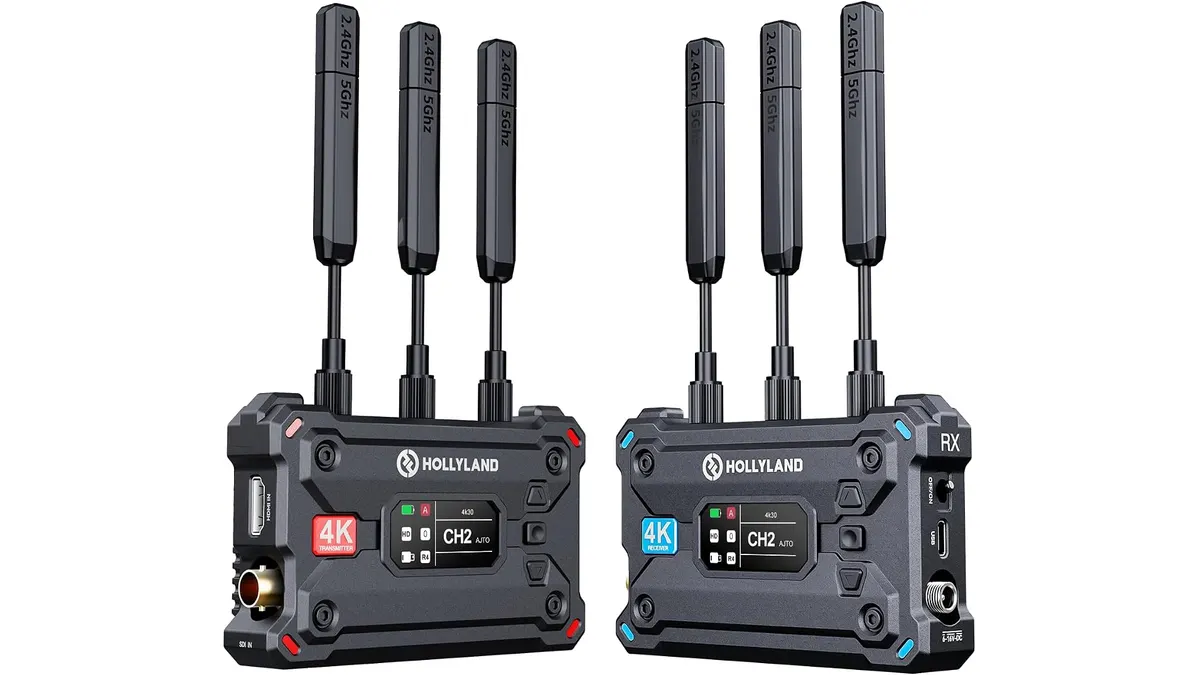
Hollyland Pyro S Review: Reliable 4K Wireless Video Transmission
I put the Hollyland Pyro S to the test in the field to see if its 4K capabilities and 1300ft range hold up for professional production needs.
 Video Transmission
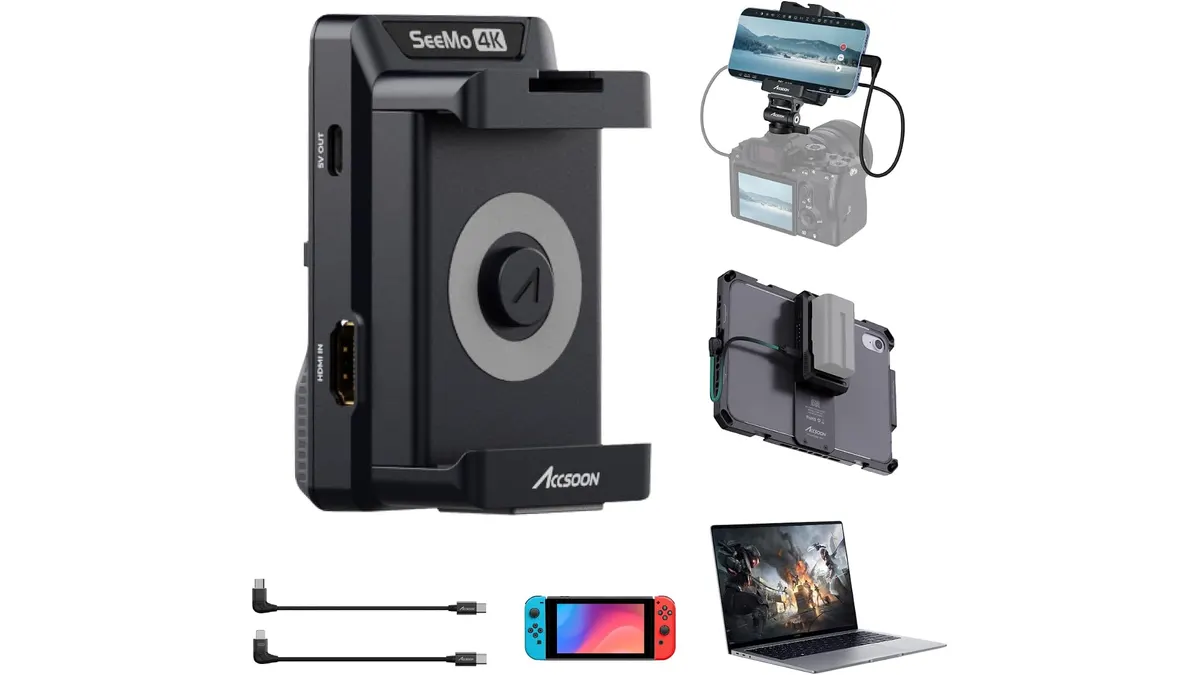
Accsoon SeeMo 4K Review: Turning Your iPhone Into a Field Monitor
We put the Accsoon SeeMo 4K to the test. Discover if this HDMI-to-iOS adapter is the right choice for your professional monitoring and streaming setup.
 Video Transmission
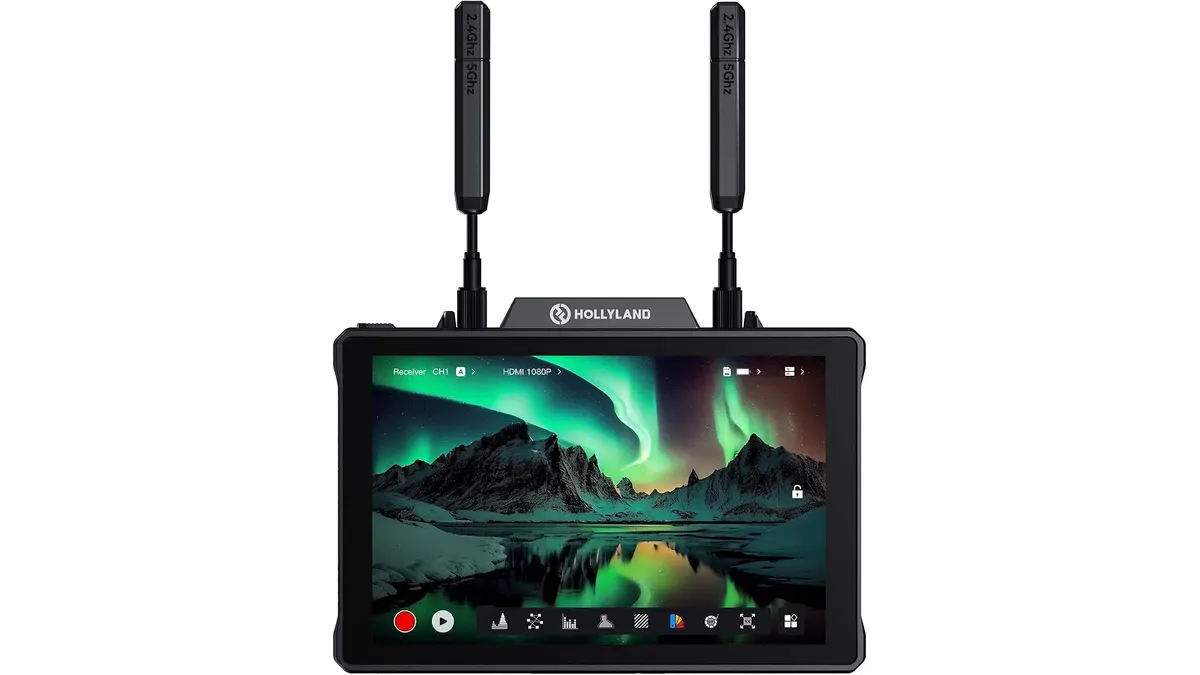
Hollyland Pyro 7 Review: All-in-One Monitor and Transmitter
Is the Hollyland Pyro 7 the ultimate all-in-one wireless solution? We test its range, latency, and integration to see if it belongs in your camera bag.